

AI by Zapier
Put an AI task inside a configured Zap so a trigger, tools, and follow-up app steps can move information through a repeatable workflow.
Sources checked 3 October 2026.

PlansFrom $19.99/mo (annual billing) Paid Zapier plan plus model-tier task usage
- Professional
- From $19.99/month
- Billed annually; entry plan rate. Task volume changes the subscription price.
- Team
- From $69/month
- Billed annually; task volume changes the subscription price.
- Agent runs
- Usage-based
- Advanced uses 3x tasks and Premium 5x. Eligible own-key models use 1x plus the provider’s charges.
Publishing requires Professional, Team, or Enterprise; plan cost depends on task allowance and billing term.
Advanced uses 3x tasks and Premium 5x; your own model key adds provider charges.
View current plans (opens in a new tab)AI & setupIncluded or BYO KeyPaid Zapier account and connected apps
Configure a Zap and its AI step; tools and knowledge sources require an Advanced or Premium model.
Where it worksWebWeb
Build and manage Zaps in a browser.
Usage & termsTask multipliers applyTool approvals are off by default
Enable approvals for the specific actions you want to review.
Migration from standalone Agents has gaps in some knowledge sources and organization-level model controls.
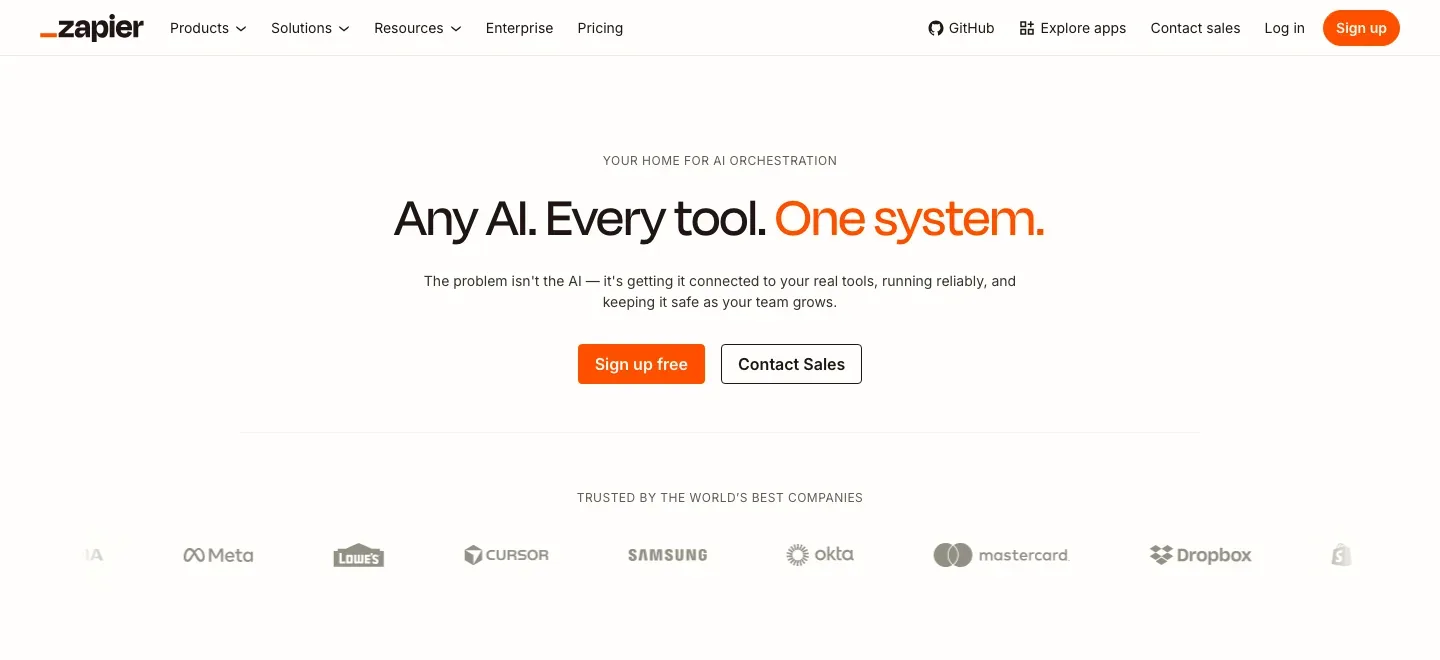
Combine an agent with explicit workflow rules
The AI step now lives alongside native triggers, filters and branching. It can reason through an assignment while the surrounding Zap defines when it runs and how the result moves through connected apps.
For author operations, that makes repeated research gathering or incoming-request processing a workflow to configure once. Migrating an old Agents setup needs a check of supported knowledge sources and organization controls, because the documented migration still has gaps.
Gather context and use the tools you select
Tools can search the web, read a knowledge source or perform a connected app action. The AI chooses which of the configured tools it needs while completing the prompt.
Tools and knowledge require Advanced or Premium models on a paid plan, including eligible models connected with your own key. Without tools, the AI step only produces a prompt completion.
Plan access, task use, and review controls
-
Pass a defined result to the next step
-
Structured input and output fields make the AI result available for mapping into downstream Zap actions. The workflow can use an explicit field rather than attempting to parse an unrestricted conversational answer.
-
Pause selected actions for review
-
Each tool has an approval toggle. It is off by default; turning it on pauses the run before that tool is used and requests approval.
-
See the work and its task cost
-
Zap history records model and tool calls. Standard uses one task per AI step, Advanced three times and Premium five times the base task count; successful tool calls add to that base before the multiplier.
Eligible own-key models use the one-times task rate plus the provider’s charges. The per-run task limit defaults to seventy-five and can be raised to five hundred; reaching it pauses the step for approval before continuing.
Feature details & official sources
Purpose and capability information checked 3 October 2026.
Platform and pricing reference: 24 October 2026.
Recorded requirements and limits
- Publishing AI by Zapier workflows requires a paid Zapier plan. Tools and knowledge sources require Advanced or Premium models, including when you use your own key.
- Tool approvals are off by default and must be enabled for the actions you want to review.
- AI steps and successful tool calls consume tasks at the selected model-tier multiplier; external provider charges apply when using your own key.
- Zapier is migrating standalone Agents into AI by Zapier. Some Agents knowledge sources and organization-level model controls are not yet supported; verify migration needs before switching.
- Current Agents migration, native triggers, and usage controls (opens in a new tab)
- Tool access, model tiers, knowledge sources, and approvals (opens in a new tab)
- Paid access, task multipliers, own-key option, and run limits (opens in a new tab)
- Current Zapier plan and task pricing (opens in a new tab)
- Official product homepage (opens in a new tab)
Information may be inaccurate. Confirm details on the official website. Report errors to [email protected].