

dots (OpenAI)
Carry ongoing research and administration across conversations using a cloud computer, retained notes, and connected tools.
Sources checked 3 October 2026.

PlansFrom $100/mo ChatGPT Pro or eligible workspace
- ChatGPT Pro
- From $100/month
- $100, $200, or $500 tiers; gradual regional rollout and Work/Codex usage limits apply
- Business Premium seat
- $125/month
- Per user; $100/user/month with annual billing. Minimum two workspace seats; Standard and Premium seats can be mixed. Workspace rollout and usage allowances apply.
- Enterprise
- Custom
- Workspace agreement; administrator must enable dots.
Individual access is rolling out gradually; Business Premium and Enterprise availability has separate workspace requirements.
View current plans (opens in a new tab)AI & setupAI includedEligible ChatGPT account and rollout access
Individual rollout is limited by age and region; an Enterprise administrator must enable workspace access.
Where it worksWeb, macOS, Windows, iOS, AndroidWeb, desktop, and mobile apps
Local computer work requires the computer online with the ChatGPT app open.
Usage & termsPlan and rollout limitsWebsite sign-in and approval steps can pause work
Individual access excludes the EEA, UK, and Switzerland during this rollout.
Connected-account permissions determine which apps and information dots can use.
Work continues between conversations
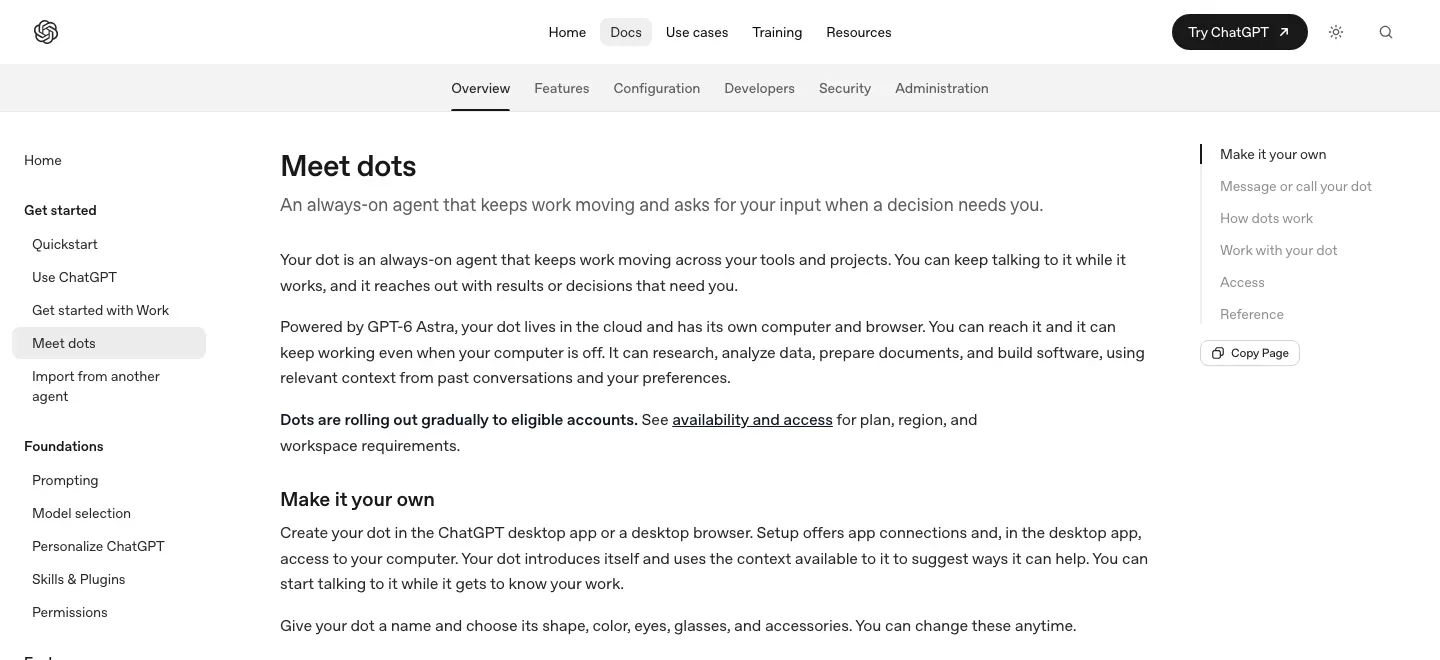
A dot can research, analyze data, prepare documents and build software on its own cloud computer. Assigned work can continue when your devices are off, while you keep discussing priorities in the same conversation.
The cloud browser has its own files and sessions. You can inspect it and take over when a website needs your input; signing in on your personal browser does not sign the dot in.
Ongoing responsibilities keep their context
Saved notes carry preferences, decisions and unfinished work across conversations. The dot can decide when to resume a responsibility, or follow an explicitly requested schedule or supported event.
This is useful for research and administration that changes over time: new information can alter work already underway without rebuilding the whole brief. Which sources to watch and which changes deserve an update remain part of your instructions.
Access, plans, and computer requirements
-
One assistant across contact methods
-
ChatGPT, calls and configured Slack or Teams contact methods reach the same dot. Relevant context carries across them; simply adding a messaging channel does not connect your other apps.
-
Your tools and local files are separate connections
-
Plugins provide service access within their existing permissions. A connected personal computer adds local files and apps, but it must stay online with ChatGPT open.
-
Review and redirect active work
-
Activity exposes delegated tasks and results. Built-in safeguards, app permissions and approval checks determine whether a dot can proceed, ask you to approve, or hand a step back.
Feature details & official sources
Purpose and capability information checked 3 October 2026.
Platform and pricing reference: 24 October 2026.
Recorded requirements and limits
- Access is rolling out gradually. Individual access requires Pro 100, Pro 200, or Pro 500 and age 18 or over, outside the EEA, United Kingdom, and Switzerland.
- Business Premium and Enterprise rollout is worldwide; an Enterprise administrator must enable dots.
- Local work requires your connected computer to stay online with the ChatGPT app open. App access depends on the connected account and permissions.
- Work and Codex tasks use those products' usage allowances; approvals and website sign-in can interrupt a task.
- Cloud work, memory, rollout, and eligible plans (opens in a new tab)
- Connected computers, app permissions, and sign-in requirements (opens in a new tab)
- Continuing tasks, retained notes, schedules, and proactive research (opens in a new tab)
- ChatGPT Pro prices and usage basis (opens in a new tab)
- Pricing and access checked 24 October 2026 (opens in a new tab)
Information may be inaccurate. Confirm details on the official website. Report errors to [email protected].