

Elicit
Find and compare papers, reuse research collections, and revisit a brief as new evidence appears.
Sources checked 4 October 2026.

PlansFree; from $11/mo (annual billing) Academic rates; annual billing. Industry plans are priced separately.
- Basic
- Free
- Search and paper summaries; limited Research Agent and report usage.
- Plus
- $11/month
- Academic pricing, per user, billed annually. Per user/month when billed $132 annually.
- Pro
- $39/month
- Academic pricing, per user, billed annually. Per user/month when billed $468 annually; another pricing-page view shows $49/month ($588 billed annually).
- Scale
- $89/month
- Academic pricing, per user, billed annually. Per user/month when billed $1,068 annually; another pricing-page view shows $169/month ($2,028 billed annually).
- Enterprise
- Custom
Academic annual rates are Plus $11, Pro $39, and Scale $89 per user/month; academic eligibility applies.
Industry Pro is $49/user/month and Scale $229/user/month with annual billing. Enterprise uses custom pricing.
View current plans (opens in a new tab)AI & setupAI includedAccount sign-in
Research Agent, reports, systematic reviews, and Routines have plan-dependent allowances.
Where it worksWebWeb
Use Elicit in a browser.
Usage & termsShared research usageRoutines are on Pro and higher
Review the original studies behind AI summaries and extracted tables.
Find Papers, Extract Data, and Chat with Papers sessions created before 30 September 2026 are view-only but remain exportable.
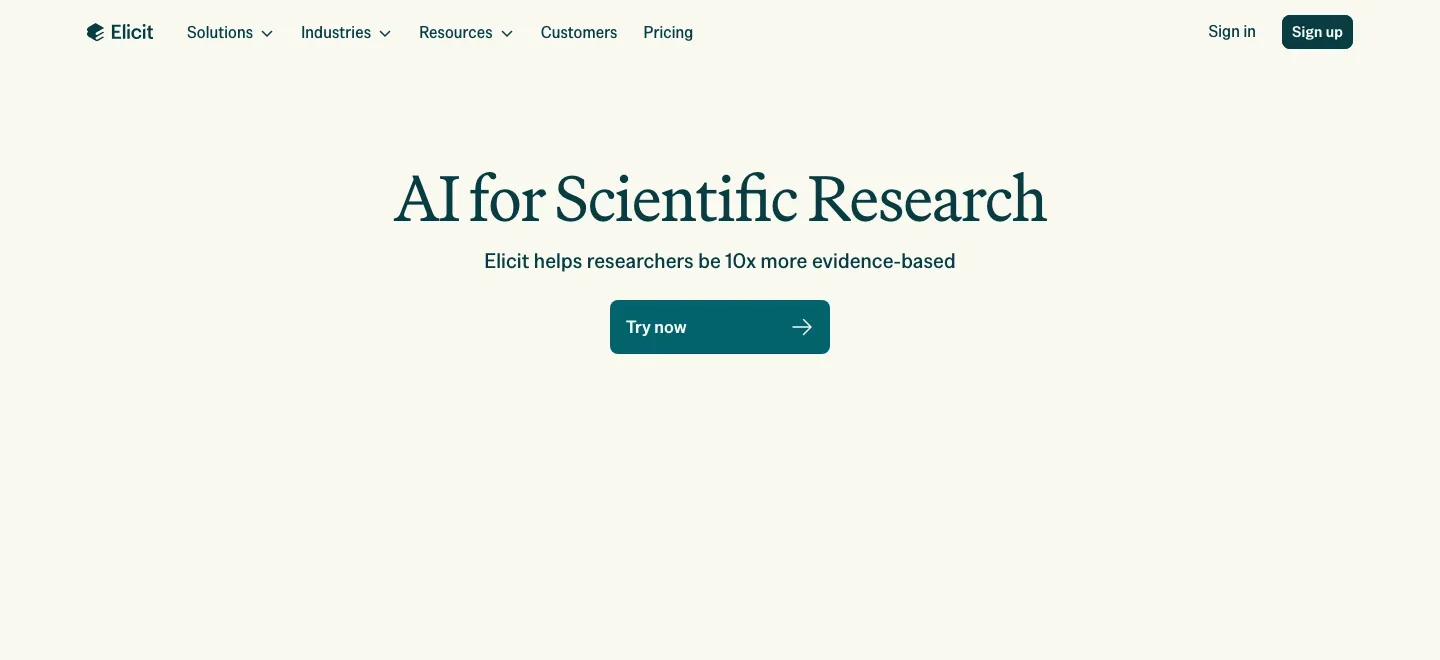
Find papers by meaning, then narrow the set
Elicit ranks papers by their similarity to a research question rather than keyword frequency alone. Custom screening questions can narrow the candidates, and research reports synthesize the evidence that the search uncovers.
For an author researching a scientific subject, that connects discovery with a more organized review. Paper availability and the plan affect how much material can be examined; an AI synthesis does not replace checking the source study.
Keep useful evidence available for the next question
The Research Agent can search personal and shared Library collections, use their papers and save newly found sources. Collections can be linked to Projects so the selected literature becomes continuing context.
This gives a long research project a stable starting shelf. Shared collections let collaborators inspect and add to the same evidence instead of relying only on a finished report.
Let a Routine revisit a changing subject
Routines can run daily or weekly, find new evidence, update an artifact and report what changed. The Agent proposes instructions and a schedule that you can edit before activation.
Results remain in an Agent session for source checking and follow-up. You can choose email updates, pause the Routine or request an earlier run. Current pricing places Routines on Pro and higher.
Research access and plan boundaries
-
Take reports and tables into other tools
-
All plans can export Research Reports as PDF or Word. Research Agent table exports need Plus or higher; Systematic Review tables need Pro, Scale or Enterprise. Supported source tables can export RIS or BIB references.
-
Retain access to earlier research
-
Legacy Find Papers, Extract Data and Chat with Papers sessions created before 30 September 2026 are now view-only, with export still available. Current ongoing work uses the Research Agent workflows.
Feature details & official sources
Purpose and capability information checked 4 October 2026.
Platform and pricing reference: 24 October 2026.
Recorded requirements and limits
- Create an account and inspect original papers before using their conclusions.
- Research Agent, report and systematic-review work share plan-dependent usage. Routines appear on Pro and higher; table export requirements differ by workflow.
- Find Papers, Extract Data and Chat with Papers sessions created before 30 September 2026 are view-only but remain exportable.
- Scientific search and screening (opens in a new tab)
- Current usage and plan boundaries (checked 4 October 2026) (opens in a new tab)
- Current and legacy export workflows (opens in a new tab)
- Official product homepage (opens in a new tab)
- Official feature documentation (opens in a new tab)
- Official feature documentation (opens in a new tab)
Information may be inaccurate. Confirm details on the official website. Report errors to [email protected].