

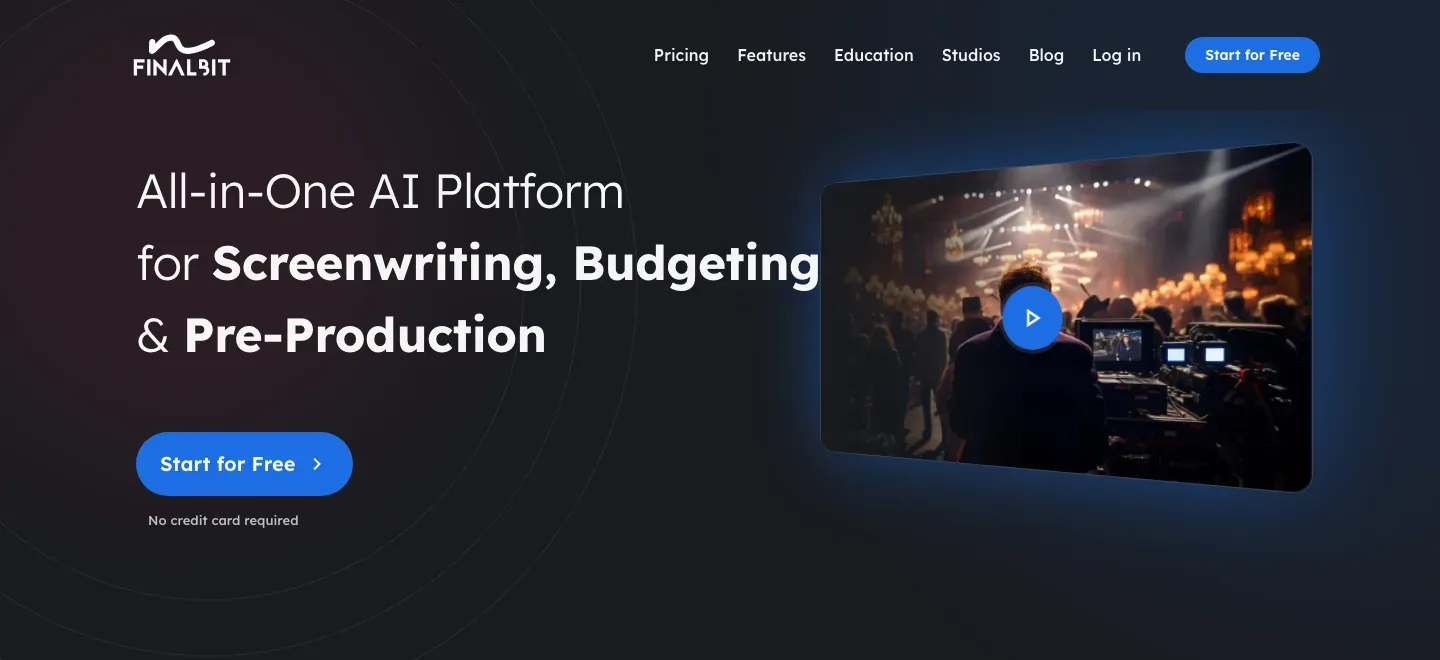
FinalBit
Write and revise a screenplay, hear character dialogue in a table read, then connect scenes to production planning.
Sources checked 3 October 2026.

PlansFree; from $40/mo Listed monthly rates; checkout discounts excluded
- Basic
- Free
- One project/script; 100 one-time AI requests with the advertised 30-day AI usage period. PDF/Final Draft exports are watermarked.
- Creator
- $40/month
- Listed monthly rate; unlimited Basic AI requests, ten monthly plot reports and coverage revisions, and 100 monthly AI-video credits. Checkout currently advertises a code-based discount.
- Pro
- $100/month
- Listed monthly rate; deeper AI context, advanced production tools, five table reads/month, and 210 AI-video credits/month. Checkout currently advertises a code-based discount.
Creator is listed at $40/month and Pro at $100/month before code-based checkout discounts.
Pro includes five automatic table reads per month; AI video has a separate credit allowance.
View current plans (opens in a new tab)AI & setupAI includedStart in the screenplay editor
Import an existing script or start a project; output from Co-Pilot and reports needs writer review.
Where it worksWebWeb
ColLab and scene-level production tools carry script references into collaborative work.
Usage & termsFree requests and plan conflictsConfirm disputed features
Basic has one project and 100 one-time Co-Pilot requests with an advertised 30-day use period; paid media has separate caps.
Official pages disagree about whole-screenplay generation and Script Doctor plan access; verify both in the current app.
Screenplay workspace
A screenplay editor that keeps scenes in order.
Script formatting, scene management, and version history give the screenplay a dedicated home. Drafts can be locked for production, with scene suffixes and manual numbering controls preserving references as scenes change.
Scene numbers continue into breakdowns, schedules, and storyboards. That shared reference matters when a screenplay leaves the writer’s desk and several collaborators need to discuss the same scene.
Scene revision
Revise a scene without losing the conversation.
Co-Pilot can work on a selected paragraph or scene to change tone, shorten text, brainstorm alternatives, or refine the action and dialogue. Recommendations and history stay available for changes the writer wants to apply later.
Full-script revision is a Pro feature in the Co-Pilot documentation. Script Doctor handles technical formatting and editing, although its Creator-versus-Pro availability differs between official pages and should be confirmed before choosing a plan.
Script coverage
Read the script through a development report.
AI coverage produces a logline, synopsis, character summaries, and structured comments. A separate plot-hole report examines narrative cause and effect, story rules, and character motivation for possible inconsistencies.
Coverage and plot-hole reports organize observations for the writer to weigh during revision.
Voiced table read
Hear dialogue with a voice for each character.
Pro table reads assign distinct synthetic voices to screenplay characters. The resulting audio can be downloaded or shared with collaborators, bringing a performed version of the dialogue into the revision process.
The current plan table includes five automatic table reads per month. This is a separate allowance from the paid plans’ advertised unlimited text requests.
Script review and production handoff
-
Start from the material already written.
-
A project can begin with a blank editor, an imported screenplay, or source material such as a deck, treatment, or outline. The source-material route builds an outline that the writer can review act by act and regenerate.
July release notes also describe turning that outline into a multi-act script, while later help limits the tool to assistance rather than writing the whole screenplay. Scene-level creation and revision are the consistently documented workflow.
-
Develop the cast beyond a name list.
-
Persona tools organize strengths, weaknesses, and motivations. Generated backstories, arc mapping, and relationship webs add a place to work through the cast’s history and changing connections across scenes.
-
Bring collaborators and existing screenplay files.
-
PDF, Final Draft, Fountain, and DOCX imports provide routes from an existing draft. ColLab invites people as viewers or editors, while PDF export settings let the author adjust typography for a review or handoff.
-
Carry scene details into production planning.
-
AI breakdown identifies characters, locations, props, costumes, and day/night information. Editable tags and scene notes connect that first pass with scheduling and budgeting, and current releases add bulk tagging across the script.
-
Make visual material from the story.
-
The wider suite includes script-based storyboards and pitch decks. These offer a way to discuss visual direction and present the project alongside the written screenplay; media generation has separate plan allowances.
Feature details & official sources
Purpose and capability information checked 3 October 2026.
Platform and pricing reference: 24 October 2026.
Recorded requirements and limits
- FinalBit is the current product formerly known as NolanAI; the NolanAI homepage redirects to FinalBit.
- Free Basic allows one project and 100 one-time Co-Pilot requests; the pricing card describes a 30-day AI usage period. Paid plans advertise unlimited AI requests, but advanced tools and media have separate limits.
- Official pages disagree about whole-screenplay generation: July 2026 release notes describe outline-to-script generation up to about 36 scenes, while August 2026 help says the tool will not write an entire script. Confirm that workflow in the current app.
- Script Doctor access also differs between current pricing and help: the plan table marks Creator and Pro, while the May 2026 help article says Pro-only.
- Pro includes five automatic table reads per month. AI output and reports need author review; automated script coverage is not human coverage.
- Current product homepage (opens in a new tab)
- Former NolanAI homepage redirect (opens in a new tab)
- Screenplay editor and production numbering (opens in a new tab)
- Co-Pilot revisions and history (opens in a new tab)
- Script coverage and structured reports (opens in a new tab)
- Plot and character consistency reports (opens in a new tab)
- Character traits, backstories, arcs, and relationships (opens in a new tab)
- Character voices, table reads, and sharing (opens in a new tab)
- Automatic script breakdown (opens in a new tab)
- Current plans, access, and monthly limits (opens in a new tab)
- Current product releases (opens in a new tab)
- Source-material outlines and script startup (opens in a new tab)
- Technical and creative AI revision tools (opens in a new tab)
- Whole-script generation limitation (opens in a new tab)
- Viewer and editor collaboration (opens in a new tab)
- PDF export controls (opens in a new tab)
- Storyboard reference and continuity tools (opens in a new tab)
- Script-informed pitch decks (opens in a new tab)
Information may be inaccurate. Confirm details on the official website. Report errors to [email protected].