

Google Cloud Translation
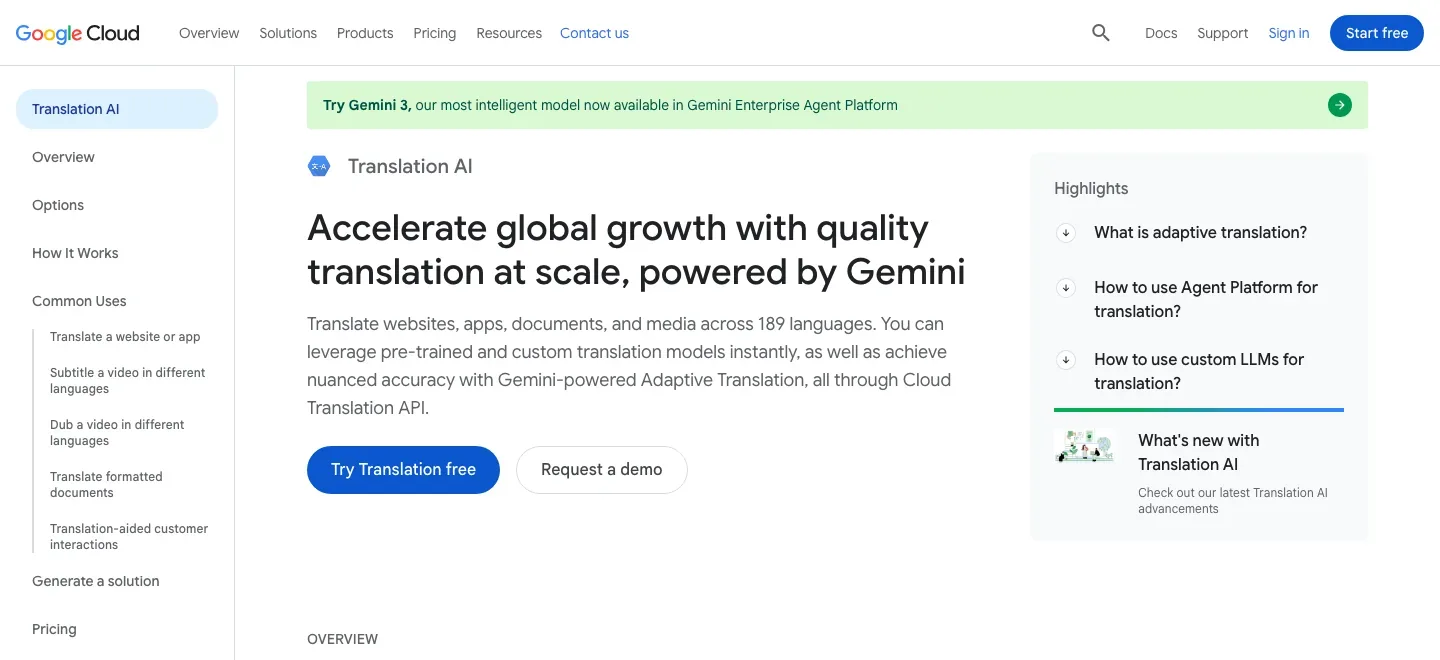
Automate formatted manuscript translation with an API, terminology glossary, and batch jobs built for a publisher-supported workflow.
Sources checked 3 October 2026.

PlansFrom $0.08/page $20/million NMT characters; formatted docs $0.08/page
- NMT document translation
- $0.08 per page
- Per target language at standard pay-as-you-go rates; formatted documents do not receive the text free-tier credit.
- Custom-model document translation
- $0.25 per page
- Per target language; model training and other Cloud services can add costs.
- NMT text translation
- $20 per million characters
- Standard pay-as-you-go rate after eligible monthly text credit; LLM text methods use a different input/output model.
NMT text has a monthly credit for the first 500,000 characters; formatted documents are billed separately at $0.08/page (NMT) or $0.25/page (custom model), per target language.
View current plans (opens in a new tab)AI & setupAI includedCloud project, API, billing required
Batch jobs also require Cloud Storage and permissions. Translation is an API service rather than a ready-to-use manuscript editor.
Where it worksWeb, APICloud API and console workflow
Use the Advanced API for batch, document, and glossary features; download job results from Cloud Storage.
Usage & termsOnline file limit: 20 MBPDF page caps depend on document type
Native PDF can reach 300 pages with the required setting; scanned PDF is limited to 20 pages. Word text boxes remain untranslated.
Batch translation accepts up to 100 files and 1 GB or 100 million Unicode codepoints; output layout and literary voice need review.
Retain a document the editor can work with
Translate DOCX to DOCX or PDF to PDF with supported formatting retained. Native PDF can also become DOCX through batch translation. Google recommends editable Word source over PDF where available; Word text boxes and scanned portions of mixed PDFs are not translated.
Carry preferred terminology into each job
A glossary specifies translations for names, recurring terms and short phrases. It can hold a single language pair or equivalent terms across languages, and matches are case-sensitive by default. Keeping the original glossary file provides a route back to an earlier terminology policy.
Batch processing, models, and document costs
-
Process a catalog through the same system
-
Batch translation accepts up to one hundred files and a total of 1 GB or 100 million Unicode codepoints, with several target languages in one request. Results go to Cloud Storage for retrieval and editing; online files have a 20 MB limit and PDF-specific page limits.
The API needs a Cloud project, billing and access configuration. It produces translated documents rather than a collaborative literary-proofreading workspace.
-
Meter the document separately from ordinary text
-
Standard NMT document translation costs $0.08 per page per target language; custom-model document translation costs $0.25. The monthly text credit does not cover formatted documents, and Cloud Storage or training can add charges.
Language support depends on the selected model. Google's data-use FAQ says API content is used to provide the service and is not used to train or improve Translation; storage and regional endpoint settings still belong to the publishing setup.
Feature details & official sources
Purpose and capability information checked 3 October 2026.
Platform and pricing reference: 24 October 2026.
Recorded requirements and limits
- Requires a Google Cloud project, enabled API, billing and appropriate access permissions; batch work also uses Cloud Storage.
- Online documents are limited to 20 MB. Native PDF can reach 300 pages with the required setting; scanned PDF is limited to 20 pages. Word text boxes remain untranslated.
- Formatted-document charges are separate from the eligible text free tier. Check model-specific language support and review translated prose and layout.
- Official homepage (opens in a new tab)
- Official feature and access documentation (opens in a new tab)
- Official feature and access documentation (opens in a new tab)
- Official feature and access documentation (opens in a new tab)
- Official feature and access documentation (opens in a new tab)
- Official feature and access documentation (opens in a new tab)
- Official feature and access documentation (opens in a new tab)
Information may be inaccurate. Confirm details on the official website. Report errors to [email protected].