

Google Flow
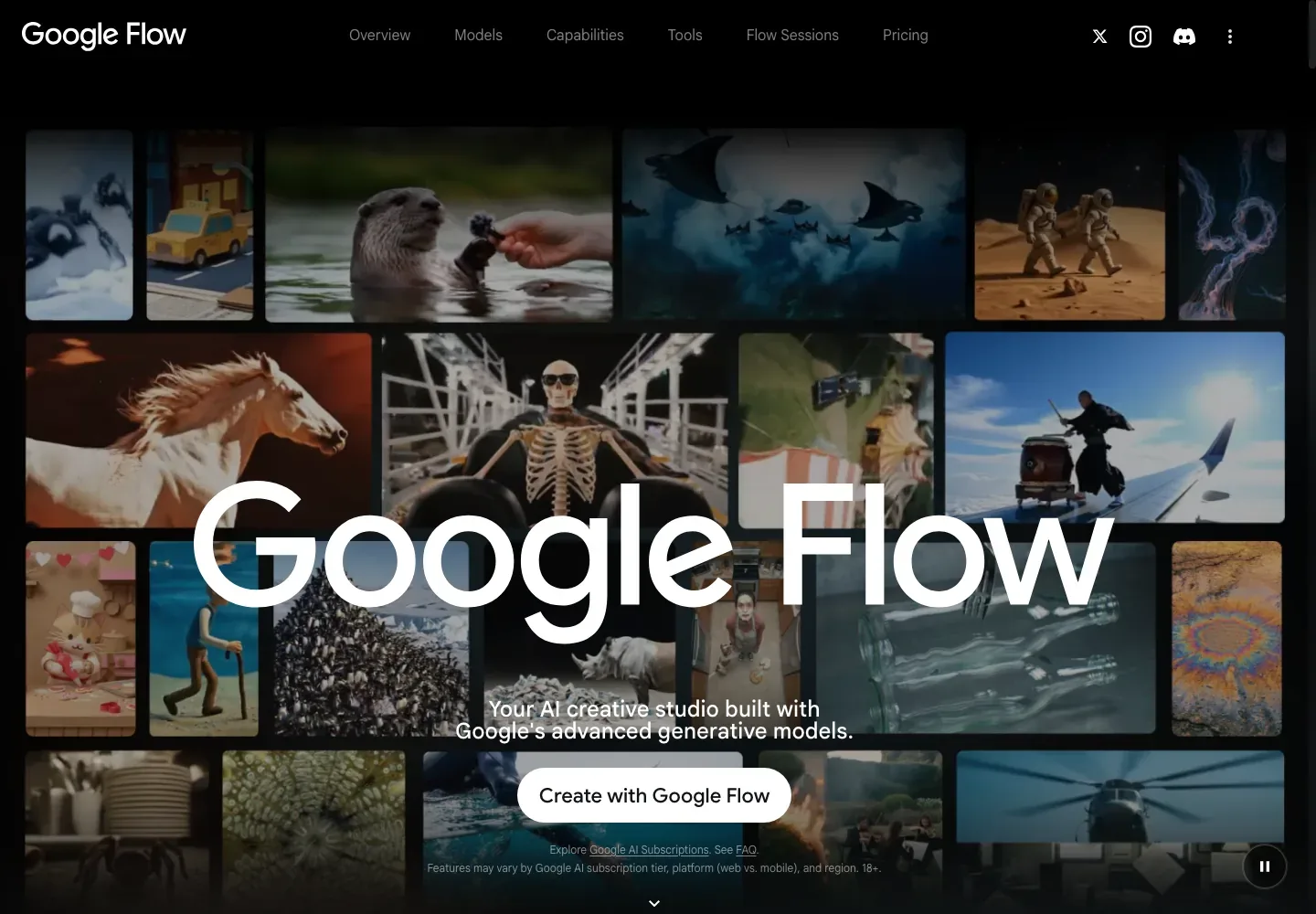
Develop book-trailer shots from character and setting references, then revise the clips that support the visual direction.
Sources checked 4 October 2026.

PlansFree; from $4.99/mo Regular US monthly plans
- Non-subscriber credits
- Free daily
- 50 Flow credits per day. Google says video generation may pause at peak hours; its separate access page says a subscription is required.
- Google AI Plus
- $4.99/month 200 credits/month
- Regular US monthly price; adds 200 Flow credits per month. Model costs vary and unused monthly credits do not roll over.
- Google AI Pro
- $19.99/month 1,000 credits/month
- Regular US monthly price; adds 1,000 Flow credits per month. Model costs vary and unused monthly credits do not roll over.
- Google AI Ultra (10,000 credits)
- $99.99/month 10,000 credits/month
- Regular US starting monthly price; Flow's credit guide lists 10,000 monthly credits at the $100 tier.
- Google AI Ultra (25,000 credits)
- $199.99/month 25,000 credits/month
- Regular monthly tier listed in Flow's credit guide; unused monthly credits do not roll over.
- Qualifying Workspace plans
- Included with subscription
- Eligible Workspace plans include Flow at no additional charge with 50 daily credits; the Workspace subscription price is separate.
Plus and Pro add 200 and 1,000 monthly Flow credits; Ultra starts at $99.99 for 10,000 credits, with a $199.99 tier for 25,000.
View current plans (opens in a new tab)AI & setupAI includedGoogle account; age 18+
Flow availability is limited to supported regions. Google's access page requires a Google AI plan or a qualifying Workspace subscription, while its credit page lists daily credits without one. Qualifying Workspace includes 50 daily credits.
Where it worksWebDesktop Chromium browser
Google recommends a desktop Chromium browser for the fullest editing experience; other browsers and mobile devices may not be fully optimized.
Usage & termsCredits vary by modelFree video access conflicts
The credit page lists 50 daily credits for non-subscribers but says video generation may pause at peak hours; the access page says a subscription is required.
Unused daily and monthly Flow credits do not roll over. Model features, credit costs, and the number of clips from one request vary.
Supported regions, verified age 18+, and model-specific reference, audio, duration, and aspect-ratio support affect availability.
Reuse characters and objects as ingredients
Ingredients to Video uses supplied images to guide the people, objects, and settings in a shot. Named character references can be called into later prompts, giving related scenes a shared source for their visual identity.
This is reference-guided generation rather than guaranteed continuity. The supported inputs depend on the selected model, and generated identities and details still need review across shots.
Direct the opening and ending of a shot
Frames to Video accepts a starting image and, on compatible models, an ending frame. An existing illustration can establish the opening composition while an end frame guides where the movement should arrive.
Revise existing footage without discarding it
Flow’s editing tools accept supported uploaded or generated clips. Changes can target part of a clip, and History retains previous versions, so the useful footage remains available while a new visual treatment is explored.
Extend is restricted to compatible Veo-generated footage; it is not available for every edited or uploaded clip. The current editing guide also sets model-specific limits on upload length and the segment that can be changed.
Audio, scene assembly, and access
-
Generate speech and atmosphere where the model supports it
-
Compatible models generate audio with the video. Ingredients can also use a voice reference for a single speaker. Audio, reference modes, duration, and aspect ratio have different combinations in the model table.
-
Arrange selected clips into a scene
-
Scenebuilder puts clips in sequence and supports work with their frames. It gives the selected shots a shared place for scene assembly after generation and refinement.
-
Know the account and output conditions
-
Flow requires age verification for users 18 or older and a supported region. Its help pages currently differ on whether a subscription is required: the credit page describes a daily allowance without one, while the access page names eligible Google AI plans.
Generated output carries invisible SynthID. A visible-watermark toggle is available, but visible marking is compulsory in India, South Korea, and Vietnam. Google does not claim ownership of original generated content; users still need rights to their references and released material.
Feature details & official sources
Purpose and capability information checked 4 October 2026.
Platform and pricing reference: 24 October 2026.
Recorded requirements and limits
- Flow requires a Google account, age 18 or older, and supported-region availability. Its access page requires a Google AI plan or qualifying Workspace subscription, while the credit page lists 50 daily credits for non-subscribers and says video may pause at peak hours; confirm current access for the account and region.
- Models consume different credit amounts. Confirm the selected model, cost, reference support, and export settings in the account before generating footage.
- Google’s terms do not guarantee copyright protection or clear third-party rights in generated output.
- Reference inputs and generated audio (opens in a new tab)
- Clip editing, extensions, and scene assembly (opens in a new tab)
- Model-specific capabilities (opens in a new tab)
- Eligibility and watermarks (opens in a new tab)
- Daily and subscription credits (opens in a new tab)
- Generated content and user rights (opens in a new tab)
- Regular US Google AI plan prices (opens in a new tab)
- Google AI plan benefits and Ultra pricing (opens in a new tab)
Information may be inaccurate. Confirm details on the official website. Report errors to [email protected].