

Grammarly
Proofread and reshape sentences across writing apps, or keep a longer draft, AI chat, and specialist agents together in Docs.
Sources checked 3 October 2026.

PlansFree; from $30/mo Basic free; Pro $30/member/month or $12/month billed annually
- Basic
- Free
- Limited writing assistance and AI chat.
- Pro
- $30/month
- Per member. Annual billing is $12/member/month, charged yearly.
- Enterprise
- Custom
- Contact sales.
The current plans page lists 2,000 Pro prompts per member/month; the feature FAQ still lists 1,000.
View current plans (opens in a new tab)AI & setupAI includedBasic plan with limited AI prompts
Free and paid plans include different writing and agent allowances; generative access varies by account and surface.
Where it worksWeb, macOS, Windows, iOS, AndroidWeb, desktop, browser, mobile, Docs
Grammarly works in its Docs editor and across supported desktop, browser, and mobile writing surfaces.
Usage & termsAI allowance varies by planPro prompt count conflicts across pages
The plans page lists 2,000 Pro prompts per member/month; a feature FAQ lists 1,000. Verify the allowance shown in the account.
Reader Reactions predicts how a defined audience might respond; Citation Finder suggests sources that still need to be read and checked.
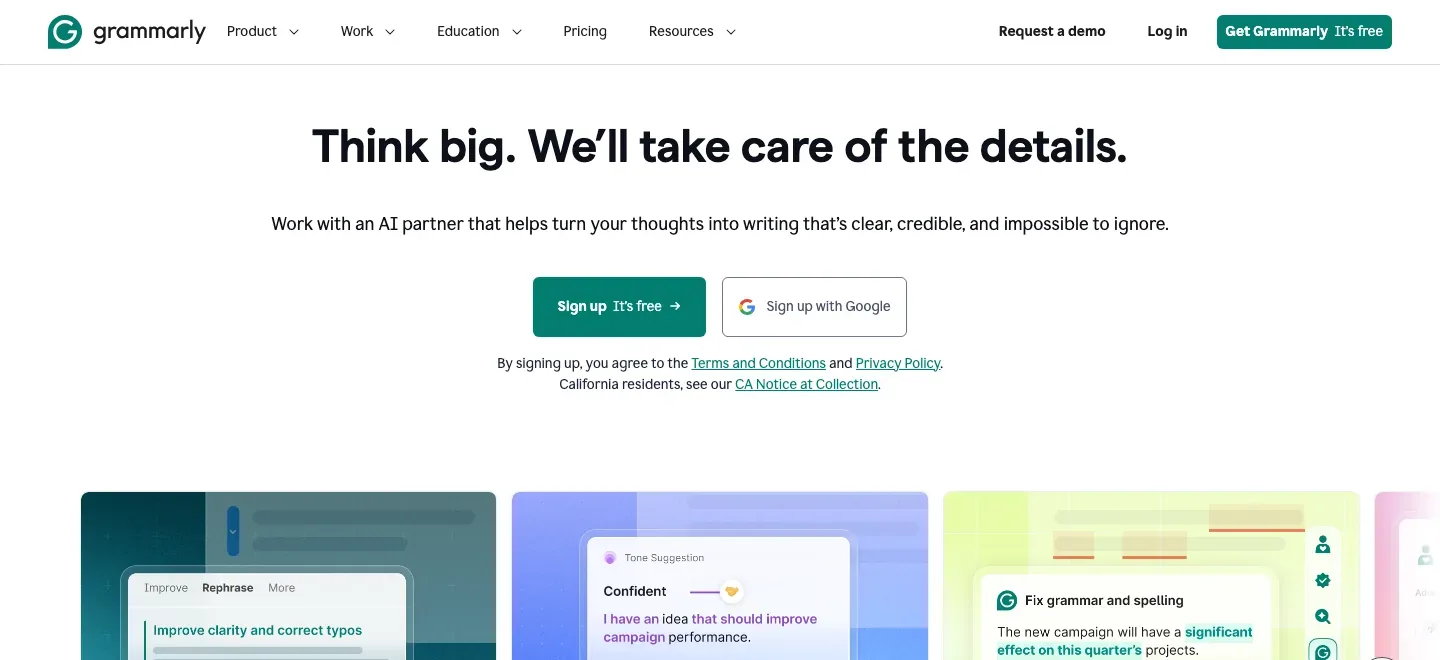
Catch the small errors and smooth the sentence
Grammar, punctuation, spelling, and confused-word suggestions sit alongside clarity and concision edits. Paid sentence and paragraph rewrites offer a more substantial revision when trimming a few words is not enough, while tone feedback helps align the passage with its intended reader.
Keep help close to the writing
Desktop support brings suggestions into apps such as Word and Pages; browser and mobile surfaces extend them to web writing and messages. Authors can use the same assistant for a chapter and its accompanying email, and disable it in individual desktop apps when they want a quieter workspace.
Docs and specialized reader tools
-
Build and revise in Docs
-
Grammarly Docs places a document, AI chat, and specialized agents together. Outlines, drafting assistance, proofreading, and paraphrasing can stay in the context of the text being developed, which is useful for a proposal or article that needs several kinds of revision in one session.
-
Consider a particular audience
-
Reader Reactions offers feedback from preset or custom audience profiles, calling out passages that may be clear, confusing, or incomplete for that reader. This gives an author another angle on an explanation or pitch; the reactions are AI predictions rather than responses from recruited readers.
Free accounts receive five reactions daily; Pro removes that daily limit on the current agent page.
-
Find leads for a missing citation
-
Citation Finder highlights claims that may need a source, suggests relevant references, and can insert or copy citations in APA, MLA, or Chicago format. For nonfiction, it can shorten the route from an unsupported sentence to sources worth reading, including material that offers another view of the claim.
Free accounts receive five citation suggestions daily; Pro removes that daily limit. Read each source and confirm that it supports the sentence.
Feature details & official sources
Purpose and capability information checked 3 October 2026.
Platform and pricing reference: 24 October 2026.
Recorded requirements and limits
- Features and generative usage allowances vary by plan and writing surface.
- The current plans page lists 2,000 Pro AI prompts monthly; the features FAQ still lists 1,000. Check the allowance shown in your account.
- Reader Reactions is simulated audience feedback. Citation Finder suggests sources to inspect before including them in nonfiction.
- Official homepage (opens in a new tab)
- Official product information (opens in a new tab)
- Plans and current usage allowances (opens in a new tab)
- Document workspace (opens in a new tab)
- Desktop app support (opens in a new tab)
- Audience feedback agent (opens in a new tab)
- Citation discovery agent (opens in a new tab)
Information may be inaccurate. Confirm details on the official website. Report errors to [email protected].