

Microsoft 365 Copilot
Reuse prompts against work context already held in Microsoft 365, with eligible Workflows extending that into connected actions.
Sources checked 3 October 2026.

PlansFrom $9.99/mo Consumer plans from $9.99/month; business add-on $25.20/user/month
- Microsoft 365 Personal
- $9.99/month
- $99.99/year alternative; consumer Copilot features and allowances.
- Microsoft 365 Family
- $12.99/month
- $129.99/year alternative; AI features for the subscription owner only.
- Microsoft 365 Premium
- $19.99/month
- $199.99/year alternative; higher consumer AI allowances.
- Copilot Business add-on
- $25.20/month
- Per user, plus an eligible Microsoft 365 base subscription. Annual offer $18/user/month, regular $21. Advanced AI usage may be billed separately.
- Business Standard with Copilot
- $28.20/month
- Per user; $23.50/user/month paid yearly. Includes the base Microsoft 365 plan; advanced AI usage may be billed separately.
Consumer and business plans have separate features and access rules. The business add-on requires an eligible base subscription; combined plans are also available.
View current plans (opens in a new tab)AI & setupAI includedLicensed Microsoft account
Scheduled prompts require a Copilot license; Workflows must be available in the Agent Store and enabled by account policy.
Where it worksWeb, macOS, WindowsWeb and desktop apps
Use Microsoft 365 Copilot on web, Mac, or Windows.
Usage & termsSeparate feature access rulesUp to 10 scheduled prompts; Workflows remains in Frontier rollout
Workflows is experimental and its supported plans, languages, and markets are limited.
Connected services and AI actions can be restricted by administrator policy.
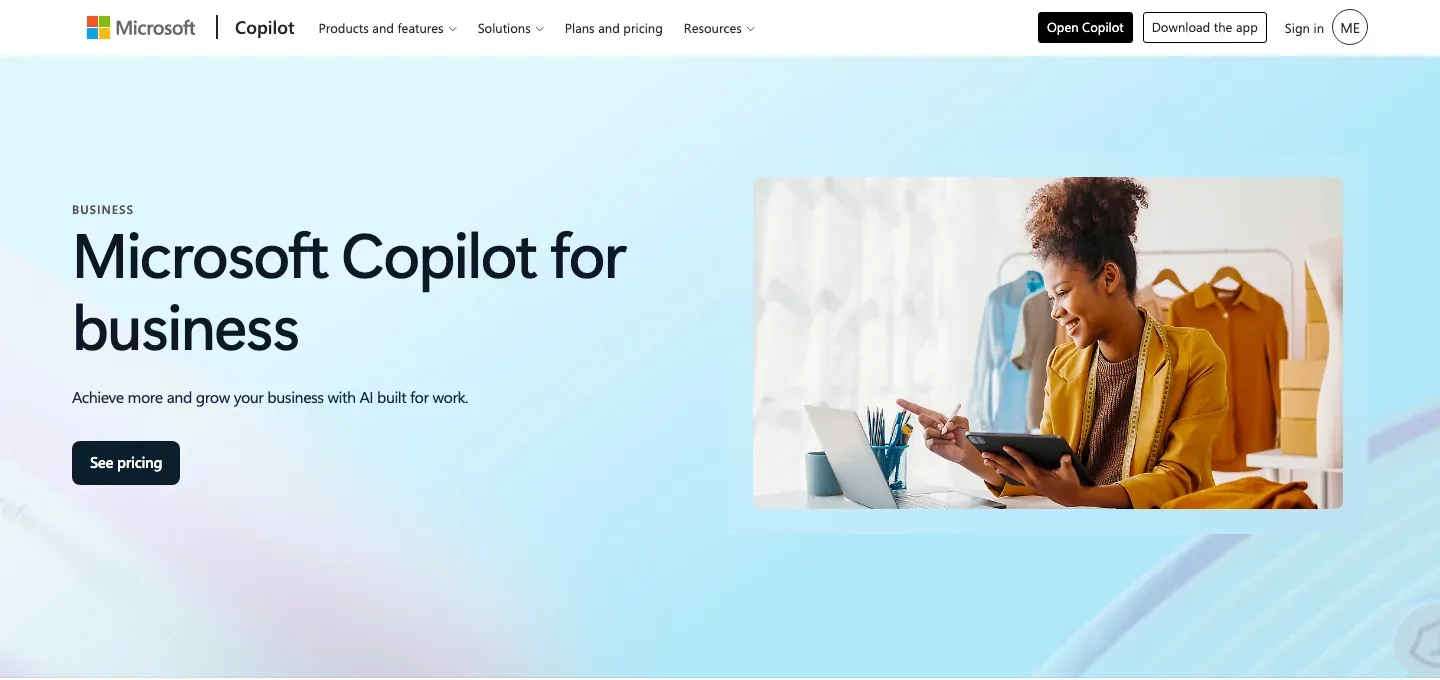
Use the context already held in Microsoft 365
Copilot’s business experience can use work data and connected sources to develop tailored responses. Copilot Pages turns those responses into editable, shareable material, while Notebooks collects context for a continuing project.
For an author-business team using Microsoft’s tools, the attraction is proximity to its existing correspondence and project material. Available context depends on the account, connections and required license.
Repeat a useful prompt without starting a new chat
Scheduled prompts rerun at a chosen time and frequency, returning responses in the chat list and optionally notifying you by email. Meeting summaries, messages and follow-up work can be revisited regularly.
Scheduling requires a Microsoft Copilot license and supported connected experiences. Up to ten prompts can be scheduled; they can be run immediately, edited, disabled or deleted from the schedule controls.
Licensing and rollout boundaries
-
Describe a workflow, then inspect its structure
-
The Workflows agent builds from natural-language instructions and connects supported Microsoft services using the signed-in account. A visual designer and activity records let you review the workflow and examine individual runs.
-
Allow for the current early-access boundary
-
Workflows is a Frontier experiment with a staged rollout for Personal, Family, Premium and Pro plans, beginning in US English. Adding the agent and allowing its connectors and AI actions are required setup steps.
-
Review results in the same work environment
-
Scheduled responses remain available as chats. Workflows separately exposes run history, outputs and errors, so a recurring summary and an app automation have their own places for review.
Feature details & official sources
Purpose and capability information checked 3 October 2026.
Platform and pricing reference: 24 October 2026.
Recorded requirements and limits
- Scheduled prompts require a Microsoft Copilot license and enabled optional connected experiences. Up to ten prompts can be scheduled.
- Workflows is an experimental Frontier agent rolling out to Microsoft 365 Personal, Family, Premium and Pro plans in selected markets and languages, starting with the US and English.
- Add Workflows from the Agent Store where available. Account and administrator policies must allow the relevant Microsoft connectors and AI actions.
- Scheduled prompts, Microsoft 365 business context and Workflows have separate license and access conditions.
- Scheduled prompt behavior, license requirement, and limits (opens in a new tab)
- Workflows features, Frontier access, rollout, and setup requirements (opens in a new tab)
- Current business plans and license pricing (opens in a new tab)
- Official product homepage (opens in a new tab)
- Pricing and access checked 24 October 2026 (opens in a new tab)
- Pricing and access checked 24 October 2026 (opens in a new tab)
Information may be inaccurate. Confirm details on the official website. Report errors to [email protected].