

n8n
Build a repeatable workflow as visible app connections, logic, AI steps, and review points.
Sources checked 3 October 2026.

PlansFree; from €20/mo (annual billing) EUR; annual Cloud billing
- Community Edition
- Free
- Self-hosted software; model and hosting costs depend on configuration
- Cloud Starter
- €20/month
- Billed annually; 2,500 workflow executions per month, with plan-specific AI allowances
- Cloud Pro
- €50/month
- Billed annually; 10,000 workflow executions per month, with plan-specific AI allowances
Cloud Starter includes 2,500 workflow executions/month; Pro includes 10,000; AI allowances are separate and plan-dependent.
View current plans (opens in a new tab)AI & setupIncluded or BYO KeyConnect apps; choose hosting
Scheduled self-hosted workflows need an available host; configure the approval steps you want.
Where it worksWebWeb
Build and monitor workflows in the n8n interface.
Usage & termsExecution and AI-credit allowancesModel and hosting costs are separate
External model connections and self-hosting can add provider or server costs.
The newer Assistant and agent features include previews and are separate from established Agent nodes and scheduled workflows.
Put AI reasoning inside a defined sequence
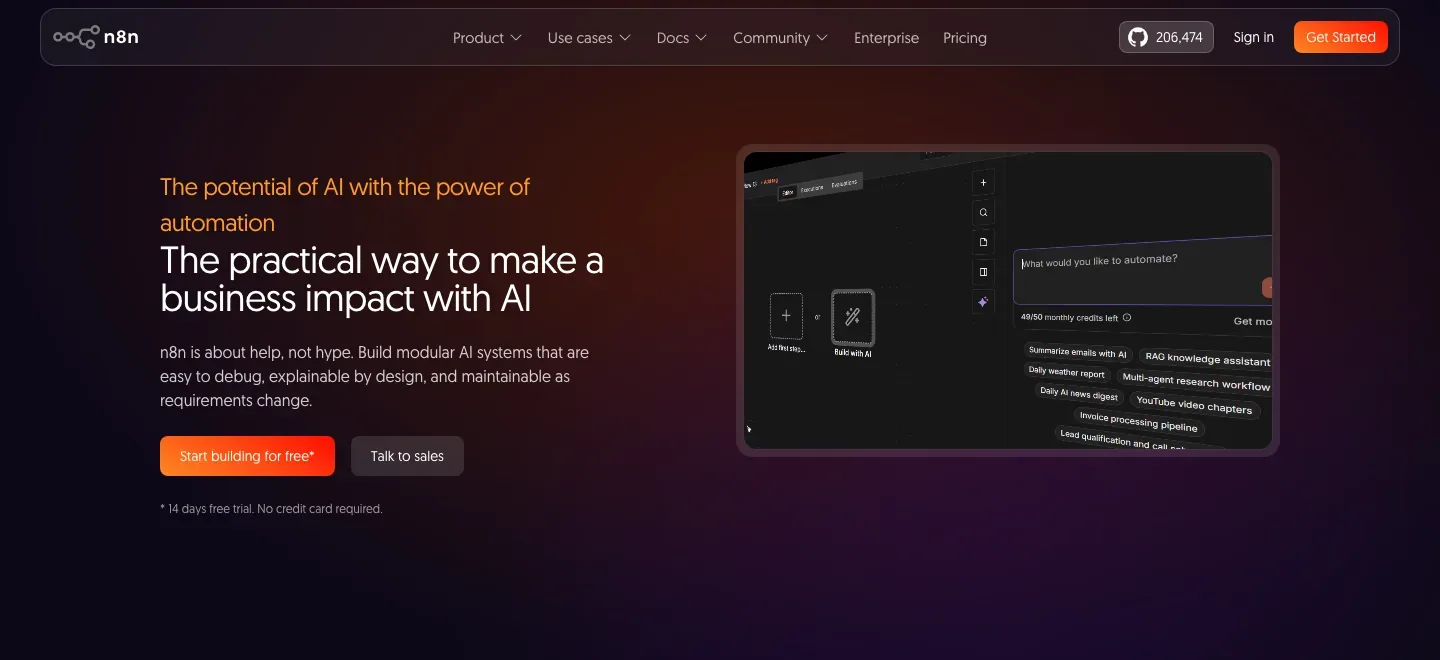
Build a workflow visually from app integrations, AI nodes, explicit rules and optional code. An AI Agent uses a connected chat model and at least one tool, while the surrounding workflow can validate or route its results.
This supports author operations such as collecting reference material or processing event requests, once the workflow is configured. The product exposes the sequence and its inputs rather than making every decision part of an open-ended conversation.
Run a published workflow on a schedule
The Schedule Trigger supports fixed times, intervals and cron schedules. A saved workflow must also be published for the schedule to run, and its timezone determines the intended timing.
A managed Cloud installation supplies the runtime; self-hosted work depends on the host remaining available. Both still need the model and app connections used by the workflow.
Hosting, execution budgets, and AI allowances
-
Approve a tool call and inspect what followed
-
Human checkpoints can be placed inside a workflow or before an AI Agent’s tools. Execution inspection shows the prompt, model response and subsequent steps, helping identify where a run departed from its intended result.
-
Use an assistant to build the automation
-
The Assistant preview can plan, build, run and fix workflows. Cloud Starter includes 1,600 monthly Assistant credits; Pro includes 4,000 or 9,600, depending on size. Enterprise preview access is by request; self-hosted Assistant uses your own key.
-
Choose managed hosting or maintain the installation
-
Cloud removes installation and infrastructure maintenance. The free self-hosted Community edition supplies most core features, with paid editions adding selected organization and deployment controls.
-
Budget for complete workflow runs
-
Cloud pricing counts an execution of the workflow, regardless of its number of steps. Starter is €20 per month with annual billing and 2,500 monthly executions; Pro starts at €50 with annual billing and 10,000 executions.
Assistant credits and model-provider costs have their own rules. Self-hosting adds infrastructure and maintenance to the budget even when the software edition is free.
Feature details & official sources
Purpose and capability information checked 3 October 2026.
Platform and pricing reference: 24 October 2026.
Recorded requirements and limits
- Build and publish the workflow, connect its apps and chosen model, and configure the intended approval steps.
- Choose managed n8n Cloud or maintain a self-hosted installation. Self-hosted scheduled work needs an available host.
- Cloud plans include AI models without API keys and plan-specific Assistant preview credits. External model connections, workflow executions and self-hosting costs have separate allowances or charges.
- Newer agents and Assistant features include previews; established AI Agent nodes and scheduled workflows are separate capabilities.
- AI workflows, human approvals, and execution inspection (opens in a new tab)
- AI Agent node model and tool requirements (opens in a new tab)
- Schedule Trigger and publication requirement (opens in a new tab)
- Managed versus self-hosted deployment (opens in a new tab)
- Prices, billing terms, execution limits, and AI allowances (opens in a new tab)
Information may be inaccurate. Confirm details on the official website. Report errors to [email protected].