

NaturalReader
Listen back to a private manuscript with reading tools, or move to the separate Commercial voice studio when an audio file will be shared with readers or used in promotion.
Sources checked 3 October 2026.

PlansFree; from $29/mo USD per user; monthly or annual
- Personal free access
- Free
- Private document listening with limited voice access.
- Commercial Starter
- $29/month
- One user and 500,000 credits per month; $198/year when billed annually.
- Commercial Creator
- $49/month
- One user and 2,000,000 credits per month; $297/year when billed annually.
- Commercial Team
- $33/month
- Per user; two-seat minimum; $192 per user/year when billed annually.
AI & setupAI includedPersonal and Commercial are separate products
Personal reads private documents; Commercial creates publishable voice files under a separate license.
Where it worksWeb, iOS (Personal), Android (Personal), Chrome extension (Personal)Reader apps and browser studio
Personal reading supports web, mobile, and desktop options; commercial voice generation uses the separate web studio.
Usage & termsPersonal MP3s are private listening onlyVoice choices consume different credit rates
Personal MP3 output cannot be distributed or shared; commercial publication requires the separate Commercial product.
Starter and Creator include 500,000 and 2,000,000 monthly credits respectively. Some voice models consume ten or twenty credits per character.
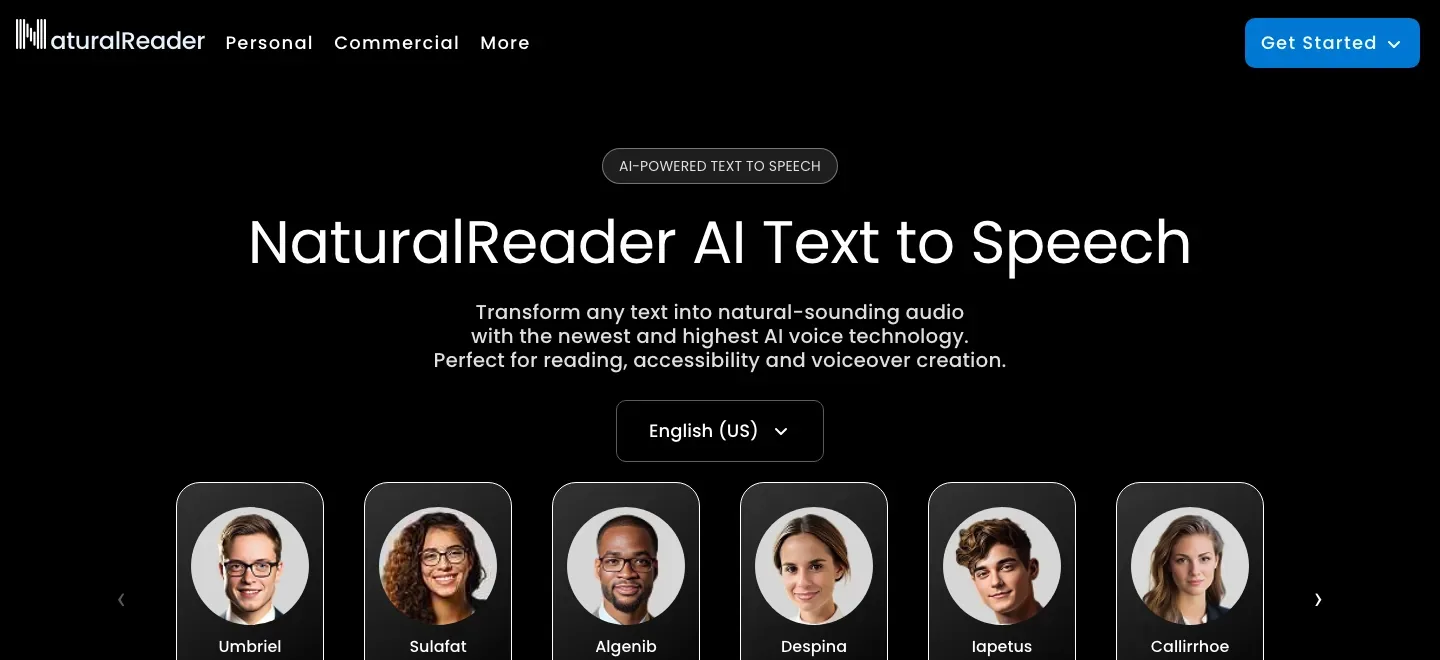
Read the manuscript with your ears
Upload Word, EPUB, PDF or text files and listen while the reading tools highlight the words. Web, mobile and the Chrome extension bring draft listening into different parts of the day; scanned pages can be converted through OCR in batches of up to fifty.
Keep private listening separate from published audio
Paid Personal access can create MP3 for offline listening, up to one million converted characters monthly. Those files are exclusively for the purchaser's private listening: even private sharing with another person requires the separately licensed Commercial app.
Direct a commercial reading section by section
Commercial Studio lets an author rearrange script sections, choose voices per section, adjust speed and paragraph pauses, and store pronunciation substitutions. Supported Gemini and OpenAI voices offer prompt-based delivery control; other voices have different customization options.
The commercial voice roster spans multiple providers and languages. A selected voice's language support and controls need checking individually, and voices can be removed over time.
Private listening and commercial output
-
Export the finished sections and budget revisions
-
Commercial exports include 44.1 kHz MP3 and WAV, plus TXT, SRT and VTT. A whole project can be combined into one MP3; WAV downloads remain separate section files. Starter includes 500,000 monthly credits and Creator 2,000,000; regeneration consumes credits again.
Voice models cost different credits per character, with ElevenLabs voices consuming ten or twenty rather than one.
Feature details & official sources
Purpose and capability information checked 3 October 2026.
Platform and pricing reference: 24 October 2026.
Recorded requirements and limits
- Personal output is for the individual user's private listening only; it cannot be shared publicly or privately, redistributed or used commercially. Commercial Studio is a separate app and subscription.
- Paid Personal MP3 conversion allows up to one million characters monthly. Commercial credits are charged again when edited blocks are regenerated; rates differ by voice model.
- Commercial Studio is designed for desktop browsers. Every language, voice and customization feature has its own availability; retailer acceptance remains separate.
- Official homepage (opens in a new tab)
- Official feature and access documentation (opens in a new tab)
- Official feature and access documentation (opens in a new tab)
- Official feature and access documentation (opens in a new tab)
- Official feature and access documentation (opens in a new tab)
- Official feature and access documentation (opens in a new tab)
- Official feature and access documentation (opens in a new tab)
Information may be inaccurate. Confirm details on the official website. Report errors to [email protected].