

OpenClaw
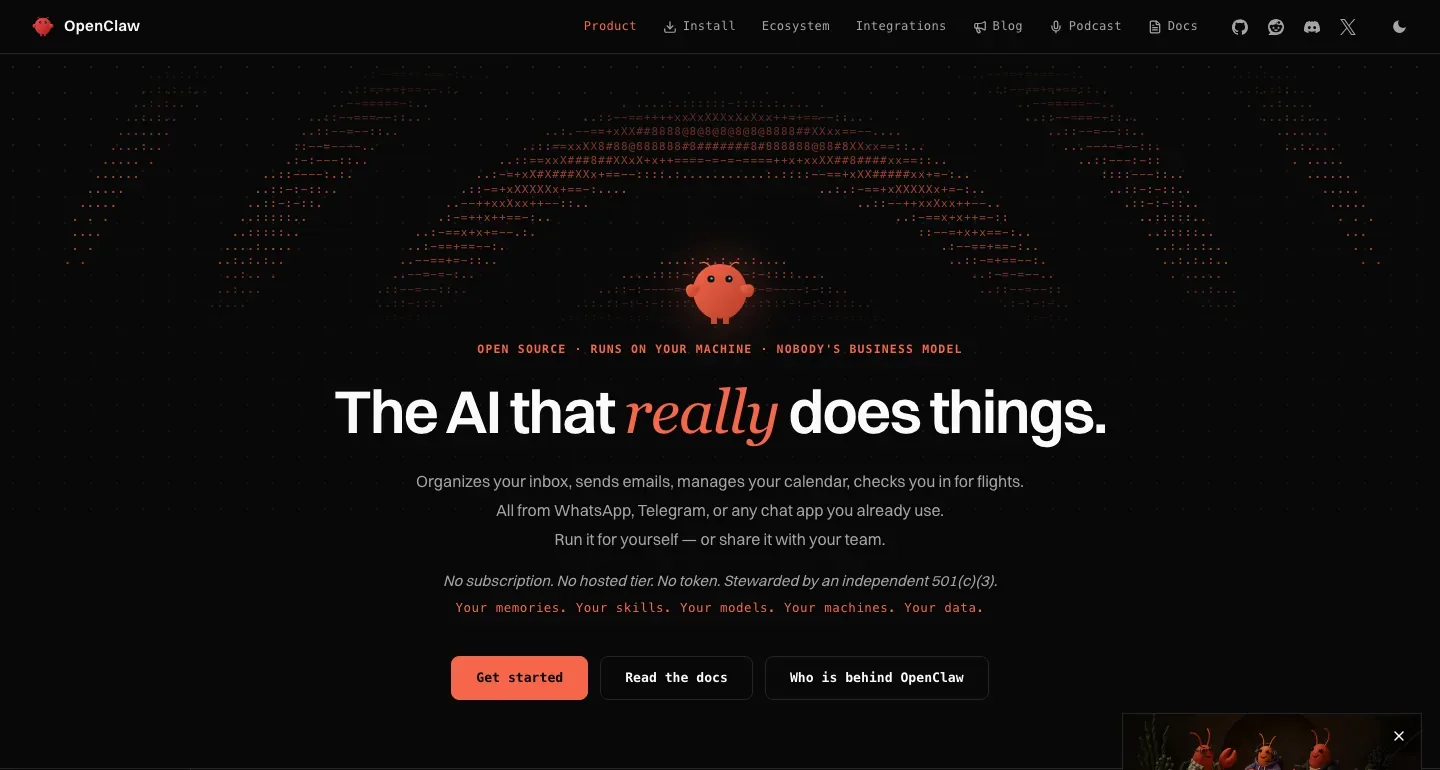
Run a continuing assistant on infrastructure you choose, with durable context, messaging access, browser work, and scheduled jobs.
Sources checked 3 October 2026.

PlansFree; separate costs Open-source software is free; model and hosting costs vary
- Software
- Free
- Open-source software; the foundation offers no paid hosted service
- Models and hosting
- Variable usage-based
- Provider charges, server costs, or local hardware depend on your configuration
The OpenClaw Foundation does not sell a hosted plan.
AI & setupBYO KeyInstall and maintain a Gateway
Configure model access, messaging connections, tools, and permissions yourself.
Where it worksWeb, macOS, Windows, LinuxWeb and self-managed hosts
Run it on supported Mac, Linux, or Windows infrastructure.
Usage & termsAvailability depends on the host and providerScheduled jobs need an online host
A shared Gateway is one trust domain; set tools and approvals for everyone with access.
Prompts sent to cloud models or messaging services are processed by those providers.
Keep the workspace with the project
OpenClaw retains workspace files, sessions and memory on the host you operate. Its browser and file tools can gather material and work with documents while the same assistant remains reachable from configured chat channels.
A laptop offers direct access to local files and a visible browser. A server can remain reachable when the laptop is closed; either way, you are responsible for the host and its permissions.
Choose the model connection
Supported cloud providers, subscription authentication, gateways and local models can power the assistant. Per-agent routing and fallback models let the setup change without replacing the whole workspace.
Self-hosted software does not include a model subscription. Cloud usage, local hardware and hosting are separate choices and costs; sending a request to a cloud provider remains an external data transfer.
Self-managed setup and operating costs
-
Bring results back to your messaging app
-
Configured channels include Slack, Discord, Telegram, WhatsApp and others. A task can start from one device and run on the host before its result returns in chat.
-
Persist reminders and recurring jobs
-
The built-in automation scheduler saves jobs, wakes the agent and can deliver results to a chat channel or webhook. The Gateway must remain available for scheduled work.
-
Inspect and extend the setup
-
The open-source project supports skills, plugins and configurable tools. A shared Gateway can serve a team, with sessions and operator roles, while retaining a shared trust boundary.
Feature details & official sources
Purpose and capability information checked 3 October 2026.
Platform and pricing reference: 24 October 2026.
Recorded requirements and limits
- Install and maintain the Gateway, model access, messaging connections and permissions yourself. Model access can use supported API keys, subscriptions, gateways or local models.
- Background availability requires an online host. Local sleep, network loss and reboots interrupt availability.
- A shared Gateway is one trust domain. Configure tools and approvals around the people who share access.
- The workspace lives on your infrastructure. Requests to configured cloud models or chat platforms still go to those providers.
- Workspace, memory, model choices, scheduling, and trust boundary (opens in a new tab)
- Local versus server hosting and availability requirements (opens in a new tab)
- Model usage and cost accounting (opens in a new tab)
- Persistent scheduled jobs and delivery to chat (opens in a new tab)
- Periodic checks, event wakes, and configuration limits (opens in a new tab)
- Official product homepage (opens in a new tab)
Information may be inaccurate. Confirm details on the official website. Report errors to [email protected].