

OpusClip
Repurpose an author reading, interview, or launch recording into captioned clips with subject-aware framing.
Sources checked 3 October 2026.

PlansFree; from $15/mo Current US monthly list prices
- Free
- Free
- Sixty monthly credits; watermark and three-day export window.
- Starter
- $15/month
- 150 monthly credits; editing and watermark removal.
- Pro
- $29/month
- 300 monthly credits; additional imports and social scheduling.
Free includes 60 monthly credits; Starter is $15/month; Pro is $29/month or $174/year ($14.50/month equivalent).
Pro includes 300 monthly credits; unused credits roll over for two months.
View current plans (opens in a new tab)AI & setupAI includedWeb app; source footage required
Import, editing, and publishing integrations depend on plan.
Where it worksWebWeb
Check each selected clip’s export window before relying on it.
Usage & termsFree exports have a short windowCheck names and captions before publishing
Free exports carry a watermark, do not support editing, and are available for three days; advanced imports and integrations have plan-specific conditions.
Use footage and voices you have permission to repurpose, and verify clips preserve the speaker’s meaning.
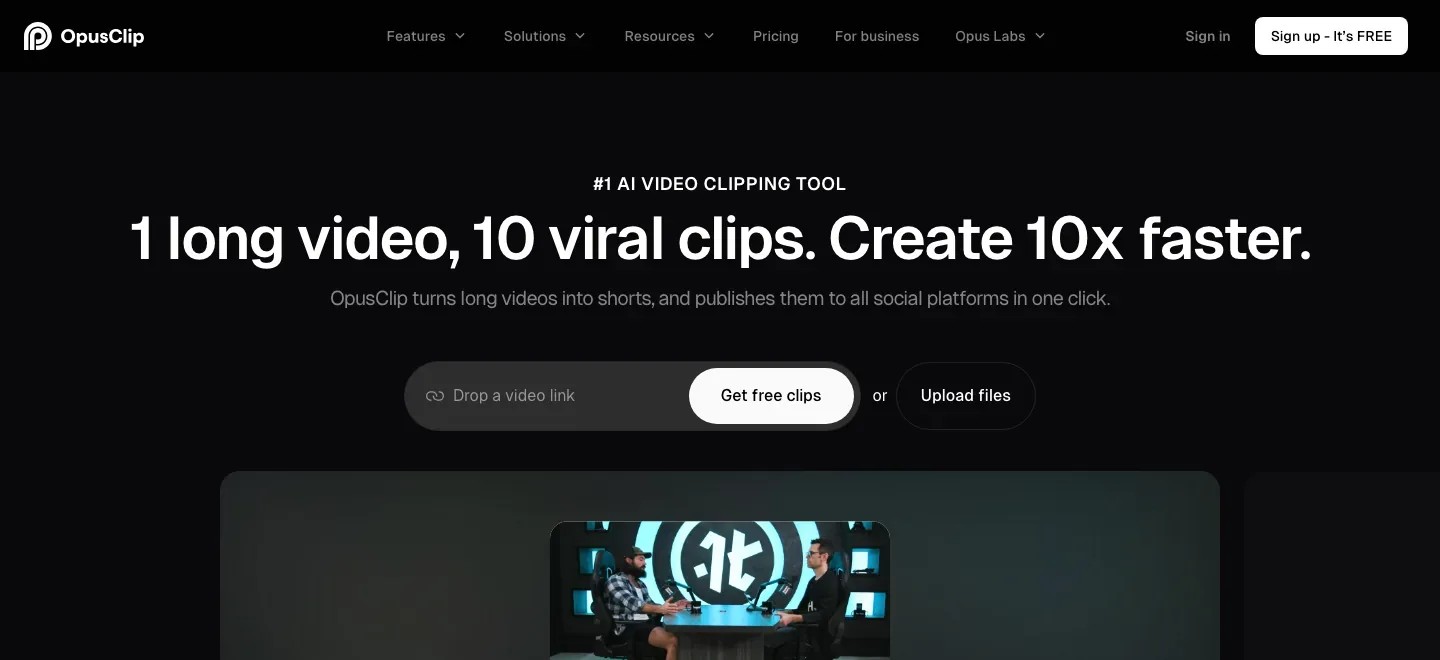
Find moments by what happens in the footage
ClipAnything analyzes visual action as well as speech and accepts a description of the moments to find. It can work with footage that has little dialogue, extending selection beyond a search through a spoken transcript.
Keep the speaker inside a vertical frame
Automatic tracking adjusts the crop around a moving speaker. The framing can also be corrected manually or directed toward another subject, which matters when the interview includes several people or a book held on screen.
Correct the book names in the captions
Captions can be edited and styled, and Brand Vocabulary supplies preferred spellings for recurring names and terms. An author’s name, series title, and unfamiliar character names can be corrected before the clip is released.
Exports, credits, and handoff
-
Apply the same presentation to related clips
-
Brand templates reuse fonts, logos, caption styles, and other design settings. The editor also supports adjustments to clips, audio, music, and supporting visuals, so excerpts from the same recording can share a recognizable presentation.
-
Continue selected clips in Premiere or DaVinci
-
Pro supports an XML handoff with source footage and subtitle files for further editing. The Premiere guide distinguishes flattened caption overlays from the separate editable SRT captions, a useful detail when the final subtitles need another pass.
-
Account for the free export window
-
Free has 60 monthly credits, watermarked output, no editing, and a three-day export window. Paid plans add editing and watermark removal, with additional publishing and scheduling options on supported plans.
Feature details & official sources
Purpose and capability information checked 3 October 2026.
Platform and pricing reference: 24 October 2026.
Recorded requirements and limits
- Use footage and voices you have permission to repurpose. Check that extracted clips preserve the speaker’s meaning and that names, quotations, and captions are correct.
- Credit and export allowances depend on the plan. Advanced handoffs, imports, and publishing integrations have separate plan conditions.
- Clip selection from existing footage (opens in a new tab)
- Editing and brand templates (opens in a new tab)
- Automatic and manual framing (opens in a new tab)
- Preferred names and terminology (opens in a new tab)
- Editing-software handoff and subtitle files (opens in a new tab)
- Current plans and export limits (opens in a new tab)
- Content and voice permissions (opens in a new tab)
Information may be inaccurate. Confirm details on the official website. Report errors to [email protected].