

Relevance AI
Configure a hosted agent around a recurring business responsibility, its connected tools, knowledge, and trigger.
Sources checked 3 October 2026.

PlansCustom pricing Enterprise access uses custom pricing
- Enterprise
- Custom quote
- Custom action and vendor-credit allowances; contact sales for access and terms
Enterprise pricing is arranged through sales.
View current plans (opens in a new tab)AI & setupAI includedConfigured workspace and connected tools
Set instructions, knowledge, triggers, and approval mode before automating a workflow.
Where it worksWebWeb
Build and manage agents in the hosted web workspace.
Usage & termsCredit-based workflowsModel choice and knowledge operations affect credit use
Action and vendor-credit allowances are custom; confirm the terms with sales.
Research and follow-up tasks require a user-configured workflow.
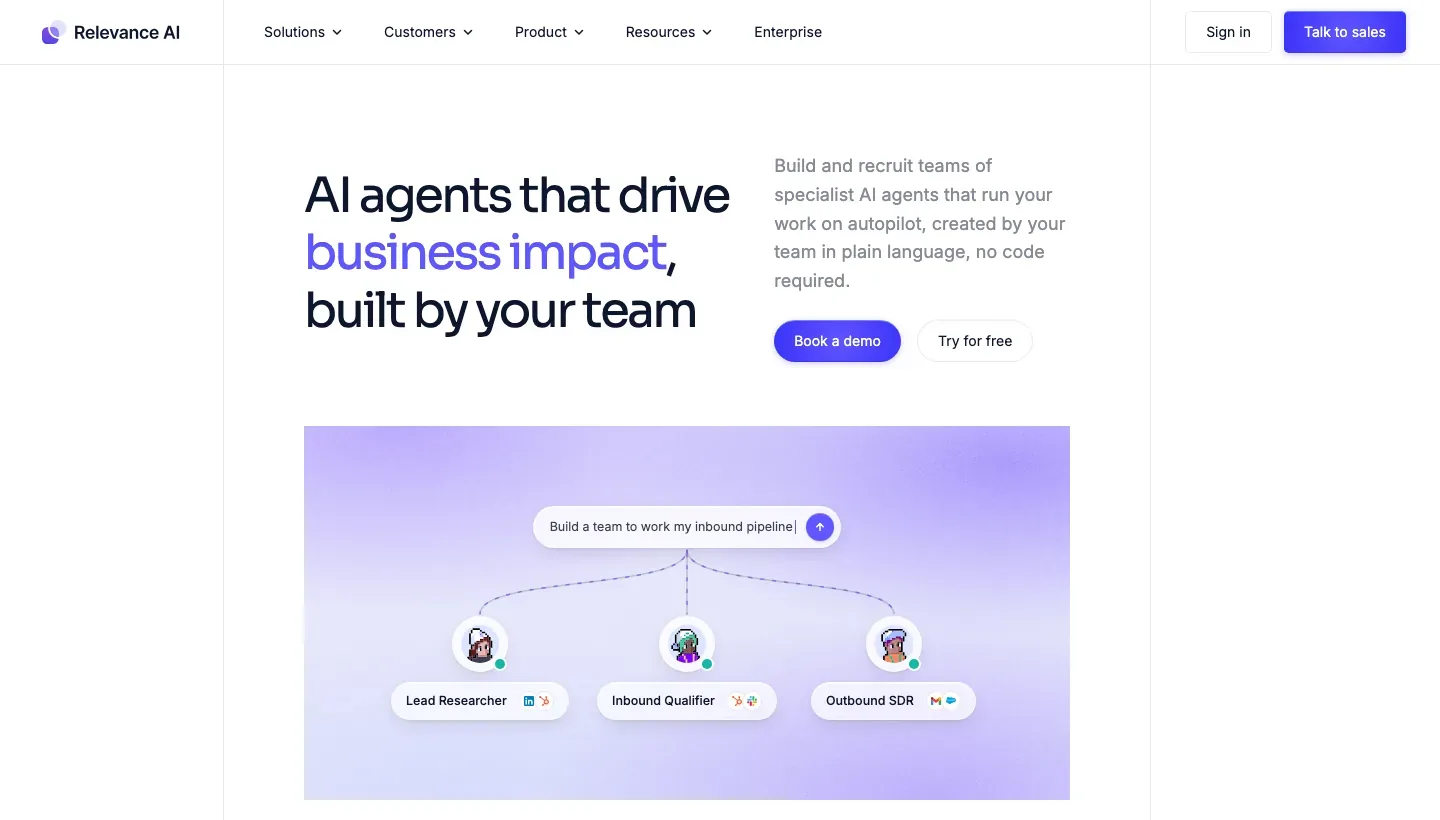
Build the agent and its working tools together
Agents and workforces can be composed visually, created through Invent from a description or developed with technical tooling. Instructions, tools and evaluations define the work carried into the hosted runtime.
Configure a recurring research brief with chosen sources, tools and a defined output.
Start from an event or revisit work on a schedule
Triggers can start an agent from app events, webhooks, API requests or recurring schedules. Scheduled messages support future follow-ups when enabled, with a configurable daily limit.
A recurring brief can therefore reuse the agent’s instructions and tools. Future messaging must be enabled separately; it can be edited or rescheduled in Task View, and settings control whether it interrupts active work.
Enterprise access and credit use
-
Decide which tools need approval
-
Each tool can operate in Autopilot or Human-in-the-Loop mode. The latter requires explicit approval before the agent uses it, so actions can be reviewed at the point they occur.
-
Include knowledge work in the usage budget
-
Model choice and knowledge synchronization affect credits. Bulk work over rows of a knowledge table can multiply runs, so a recurring workflow needs a budget that covers its actual data volume.
-
Confirm the enterprise access terms
-
The public pricing page presents a custom Enterprise quote with action and vendor-credit allowances.
Feature details & official sources
Purpose and capability information checked 3 October 2026.
Platform and pricing reference: 24 October 2026.
Recorded requirements and limits
- Configure the agent's instructions, connected resources, trigger, and approval mode before using automated workflows.
- Enterprise access is arranged through the public sales route.
- Model choice, knowledge operations, and repeated runs affect credit use. Author research and follow-up uses require a user-configured workflow.
- Agent-building methods, tools, and hosted runtime (opens in a new tab)
- Trigger types and configured agent operation (opens in a new tab)
- Recurring schedules, future messages, and activity limits (opens in a new tab)
- Approval mode for individual tools (opens in a new tab)
- Current Enterprise access and pricing basis (opens in a new tab)
- Model and knowledge-operation costs (opens in a new tab)
Information may be inaccurate. Confirm details on the official website. Report errors to [email protected].