

Runway
Generate and refine individual trailer shots, using visual planning and repeatable workflows to keep production coherent.
Sources checked 3 October 2026.

PlansFree; from $15/mo Current US monthly prices; annual billing available
- Free
- Free
- 125 one-time credits and a selection of models.
- Standard
- $15/month
- 625 monthly credits; $12 per month with annual billing.
- Pro
- $35/month
- 2,250 monthly credits; $28 per month with annual billing.
Standard is $15/month or $144/year ($12/month equivalent); Pro is $35/month or $336/year ($28/month equivalent).
Free includes 125 one-time credits; paid monthly credits do not roll over.
View current plans (opens in a new tab)AI & setupAI includedWeb workspace; free one-time credits
Aleph 2 Edit Studio is a paid-plan desktop-web tool.
Where it worksWebWeb; some editing tools are desktop-only
Other models and editing modes have their own supported inputs and limits.
Usage & termsModel costs vary by workflowMonthly credits do not roll over
Generation charges depend on model, duration, resolution, and workflow; the free credit allowance is one-time.
Use authorized reference art, footage, and voices, and inspect continuity before release. Commercial-use permission does not guarantee copyright protection or third-party clearance.
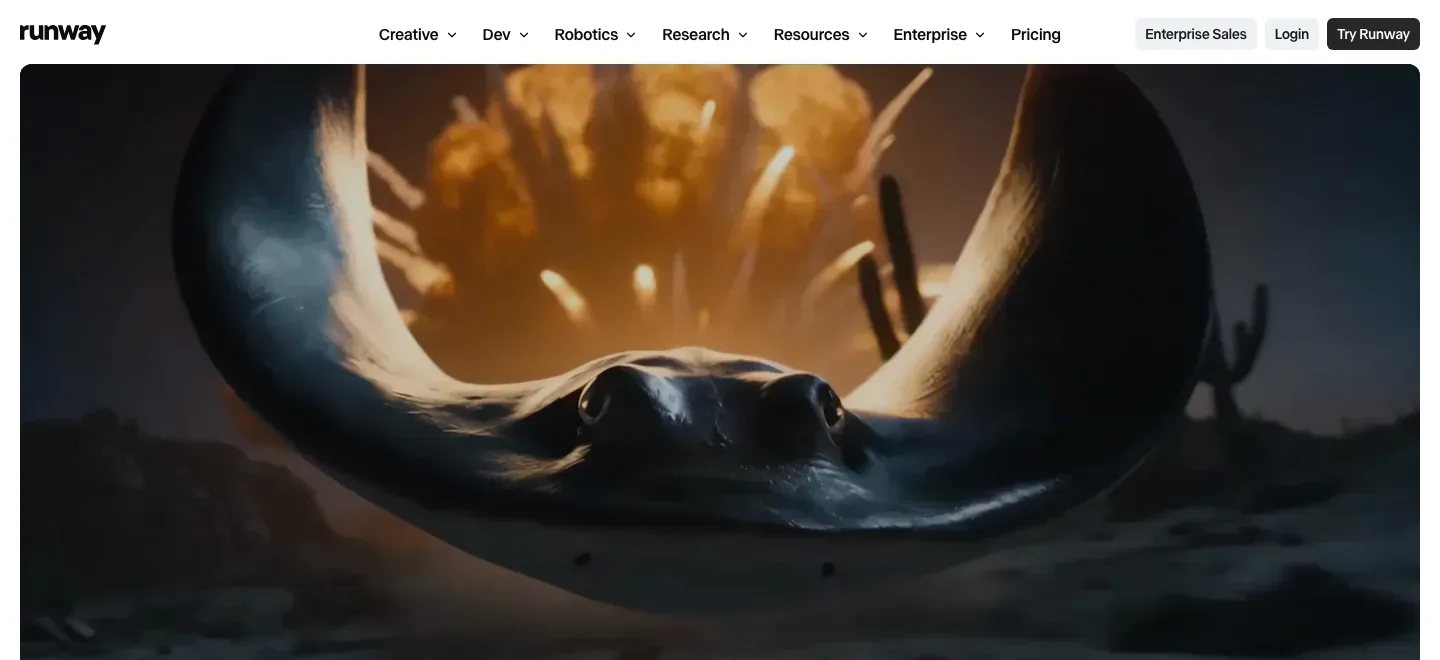
Generate the scene’s moving material
Gen-4.5 and other supported models generate footage from prompts and model-specific inputs. Runway also offers partner models in the same workspace, allowing the trailer’s selected shots to be developed alongside images and other media.
Edit one frame and carry the change through the video
Aleph 2 Edit Studio begins with a selected frame. The user refines the desired change as an image, previews it, then applies the edit through the relevant footage. Lighting, objects, wardrobe, and visual treatment can be changed this way.
The documented editing workflow supports videos up to 30 seconds at 1080p and is available on paid plans through desktop web. The image preview gives a concrete visual stage before the more expensive video edit; consistency remains something to inspect in the result.
Save a repeatable sequence of creative steps
Workflows connects model inputs and outputs as nodes and saves the sequence for reuse. Image creation, transformation, and video steps can therefore follow a defined chain instead of being repeated manually across separate tools.
Media-generation and language-model nodes can consume credits, so a saved workflow’s cost follows the models and steps it runs.
Model costs, desktop tools, and rights
-
Keep visual planning with the production tools
-
The platform includes storyboard, moodboard, character-performance, and dialogue workflows. These place planning and performance development beside generation, helping the separate parts of a trailer share a visual direction.
-
Budget for models and finishing tools
-
Free provides 125 one-time credits. Paid plans add recurring credits and watermark-free output, while model access, storage, resolution, and advanced export formats vary. Standard and Pro monthly credits do not roll over.
-
Use output under the documented commercial terms
-
Runway permits commercial use of generated content on all plans and does not require attribution. Users retain rights as between themselves and Runway, while remaining responsible for their material; this is not a guarantee of copyright protection or clearance of third-party rights.
Feature details & official sources
Purpose and capability information checked 3 October 2026.
Platform and pricing reference: 24 October 2026.
Recorded requirements and limits
- Generation charges vary by model, duration, resolution, and workflow. The free credit allowance is one-time.
- Aleph 2 Edit Studio is a paid-plan desktop-web tool. Other models and editing modes have their own supported inputs and limits.
- Use authorized reference artwork, footage, and voices, and inspect continuity before releasing generated scenes.
- Generate the scene’s moving material (opens in a new tab)
- Generate the scene’s moving material (opens in a new tab)
- Edit one frame and carry the change through the video (opens in a new tab)
- Save a repeatable sequence of creative steps (opens in a new tab)
- Budget for models and finishing tools (opens in a new tab)
- Use output under the documented commercial terms (opens in a new tab)
Information may be inaccurate. Confirm details on the official website. Report errors to [email protected].