

Wispr Flow
Dictate into the editor already in use, control how much speech cleanup changes, and apply separate tools for desktop revision and meeting notes.
Sources checked 3 October 2026.

PlansFree; from $15/mo Per-user website pricing
- Free
- Free
- 2,000 dictated words/week on desktop and 1,000/week on mobile; limited Notetaker access.
- Pro
- $15/month
- Per user; unlimited dictation and longer Notetaker history, not a promise of unlimited meetings.
- Pro annual
- $144/year
- Per user; equivalent to $12/month with annual billing. Notetaker usage depends on the selected offering.
Free allows 2,000 words per week on desktop and 1,000 on mobile.
Pro is $15/user monthly or $144/year ($12/month equivalent); Notetaker has separate limits.
View current plans (opens in a new tab)AI & setupAI includedInstall and allow microphone access
Flow needs microphone and platform-specific keyboard or accessibility permissions; audio dictation is processed in the cloud.
Where it worksmacOS, Windows, iOS, AndroidMac, Windows, iOS, and Android
Notetaker is currently desktop-only; Transforms and Command Mode also have platform limits.
Usage & termsDictation and add-on limitsTransforms is Beta
Desktop recording sessions last up to 20 minutes; Transforms rewrites 1–1,000 words in supported fields.
Notetaker usage and history vary by plan; the pricing page does not give one stable meeting allowance.
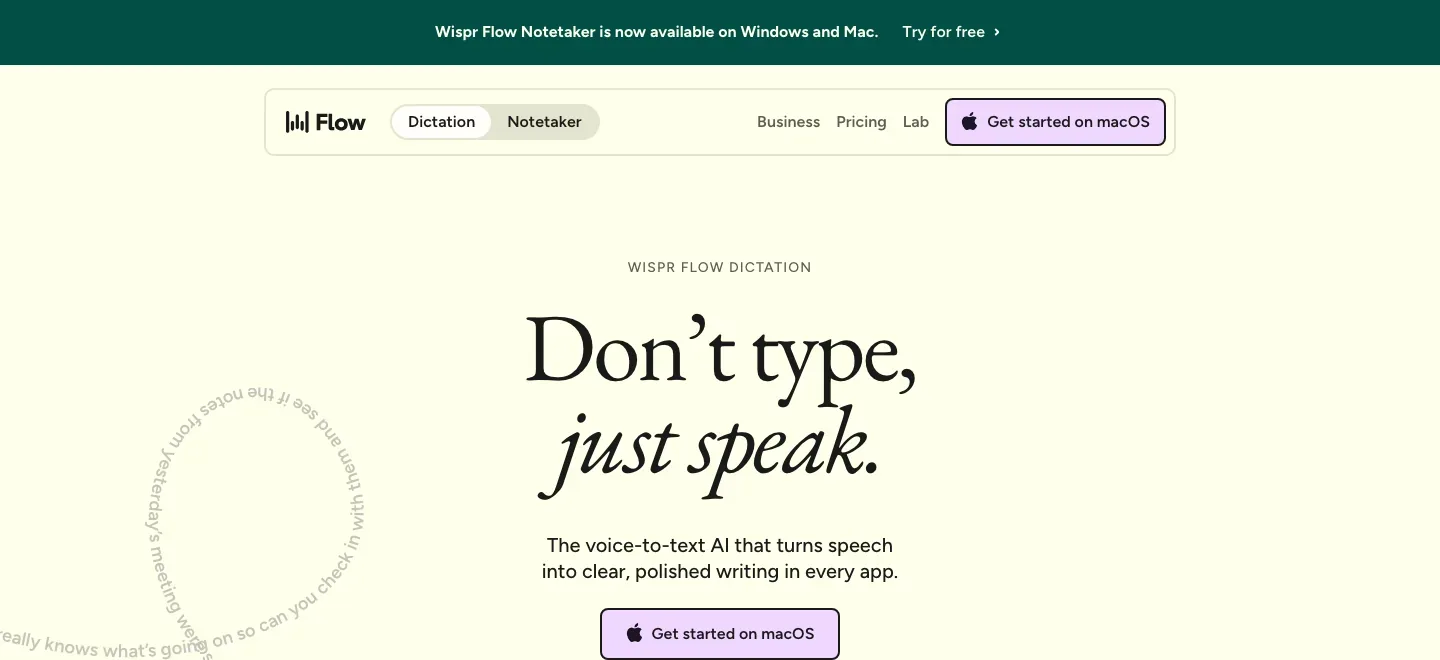
In-app dictation
Dictate into the manuscript’s own editor.
Flow inserts text where the cursor sits, without a separate document integration. It handles fillers, repetitions, punctuation, and spoken corrections, letting an author capture a passage or note inside an existing writing workflow.
Desktop sessions can run for up to 20 minutes. Reaching that limit stops recording and transcribes what was captured; the Free plan’s weekly word allowance still applies.
Cleanup control
Control how much the spoken prose changes.
Desktop Auto Cleanup offers None, Light, and Medium. None keeps a raw transcript; Light removes fillers and fixes grammar; Medium can reword for clarity and concision.
That choice is useful for authors whose sentence rhythm matters: a note can receive cleanup while a deliberately spoken line can keep its original wording for manual editing. The chosen level applies across apps on desktop.
Desktop Transforms
Revise selected text with visible changes.
Desktop Transforms, currently Beta, rewrites 1–1,000 words in supported fields. Polish has adjustable cleanup rules, and custom transforms can carry their own instructions and writing samples.
View Diff compares the result with the original, with retry and undo available. These are separate revision passes after dictation, giving the author a chance to assess what changed before continuing with the text.
Vocabulary, notes, and platform boundaries
-
Keep book names and repeated text ready.
-
The dictionary stores names, terminology, and persistent spelling corrections, with words synced across signed-in devices. Snippets insert saved text when a distinctive spoken trigger is recognized.
-
Set formatting for the destination.
-
Styles control capitalization and punctuation, with app-category choices on desktop and a different iPhone layout. The documented style formatting is English-only; it is a presentation preference rather than a guarantee of literary voice.
-
Catch draft fragments in Scratchpad.
-
The desktop Notes workspace provides a tabbed rich-text editor for typed or dictated drafts and reference images. Notes can be pinned, searched, and restored from earlier versions, then synced across signed-in devices.
-
Use spoken editing or recorded conversations.
-
Paid or eligible trial accounts can enable desktop Command Mode for voice instructions on existing text. The companion Notetaker records desktop conversations into speaker-labelled transcripts and topic summaries, with separate plan limits.
-
Choose data controls for each workflow.
-
Dictation is processed in the cloud. Model improvement and Dictation Cloud Storage are independent settings, and storing Scratchpad notes or Notetaker transcripts follows separate rules. Free and Pro users can turn model improvement off.
Feature details & official sources
Purpose and capability information checked 3 October 2026.
Platform and pricing reference: 24 October 2026.
Recorded requirements and limits
- Install the appropriate app and grant microphone and required keyboard or accessibility permissions. Windows dictation requires x64; iPhone requires iOS 18.3 or later and Android requires Android 13 or later on a supported smartphone.
- Audio is processed in the cloud. Free and Pro model improvement is on by default and can be disabled; Dictation Cloud Storage is a separate setting. Scratchpad notes and Notetaker transcripts have separate cloud storage rules.
- Free dictation is capped at 2,000 words/week on desktop and 1,000/week on mobile. Desktop recording sessions last up to 20 minutes.
- Desktop Transforms is Beta and handles 1–1,000 words in supported text fields. Command Mode requires eligible paid/trial access; its in-place editing does not currently work on iOS.
- Notetaker is currently on Mac and Windows with its own usage/history limits. Windows Notetaker has higher hardware requirements than dictation.
- Current dictation and bundled product overview (opens in a new tab)
- Plans, desktop/mobile word limits, and Notetaker access (opens in a new tab)
- Device, hardware, and permission requirements (opens in a new tab)
- Cloud processing and separate data controls (opens in a new tab)
- Dictionary words and spelling corrections (opens in a new tab)
- Reusable spoken-trigger snippets (opens in a new tab)
- Formatting styles and platform differences (opens in a new tab)
- Desktop raw/light/medium speech cleanup (opens in a new tab)
- Beta Transforms, custom prompts, diff, and undo (opens in a new tab)
- Scratchpad drafting, notes, and versions (opens in a new tab)
- Command Mode access and platform limits (opens in a new tab)
- Desktop 20-minute recording sessions (opens in a new tab)
- Meeting transcripts, speaker labels, and summaries (opens in a new tab)
Information may be inaccurate. Confirm details on the official website. Report errors to [email protected].