

Storysnap
Turn an existing draft into a visual plot outline and organized book bible, then export the findings to Word or Plottr.
Sources checked 3 October 2026.

PlansFrom $45/manuscript $50 per book; bulk rate $45 per book
- Pay per Book
- $50 per manuscript
- One upload credit per manuscript; includes all features and free add-ons.
- Bulk
- $45 per manuscript
- Published bulk rate; confirm the required purchase quantity. Upload credits do not expire.
The site does not state the minimum purchase quantity for its bulk rate; upload credits do not expire.
View current plans (opens in a new tab)AI & setupAI includedOne-time book credits
An upload credit covers one manuscript; the bulk rate's required quantity is not published.
Where it worksWebWeb upload; Word or Plottr export
Word or PDF manuscripts are processed online. Opening an interactive Plottr export requires Plottr software.
Usage & termsEnglish, Latin-script drafts are strongestAI checks are not human review
The vendor identifies English manuscripts using the Latin alphabet as its strongest workflow and recommends numbered chapter headings in a heading style.
Outputs receive automated quality checks; review extracted story details before using them as a continuity record or publishing copy.
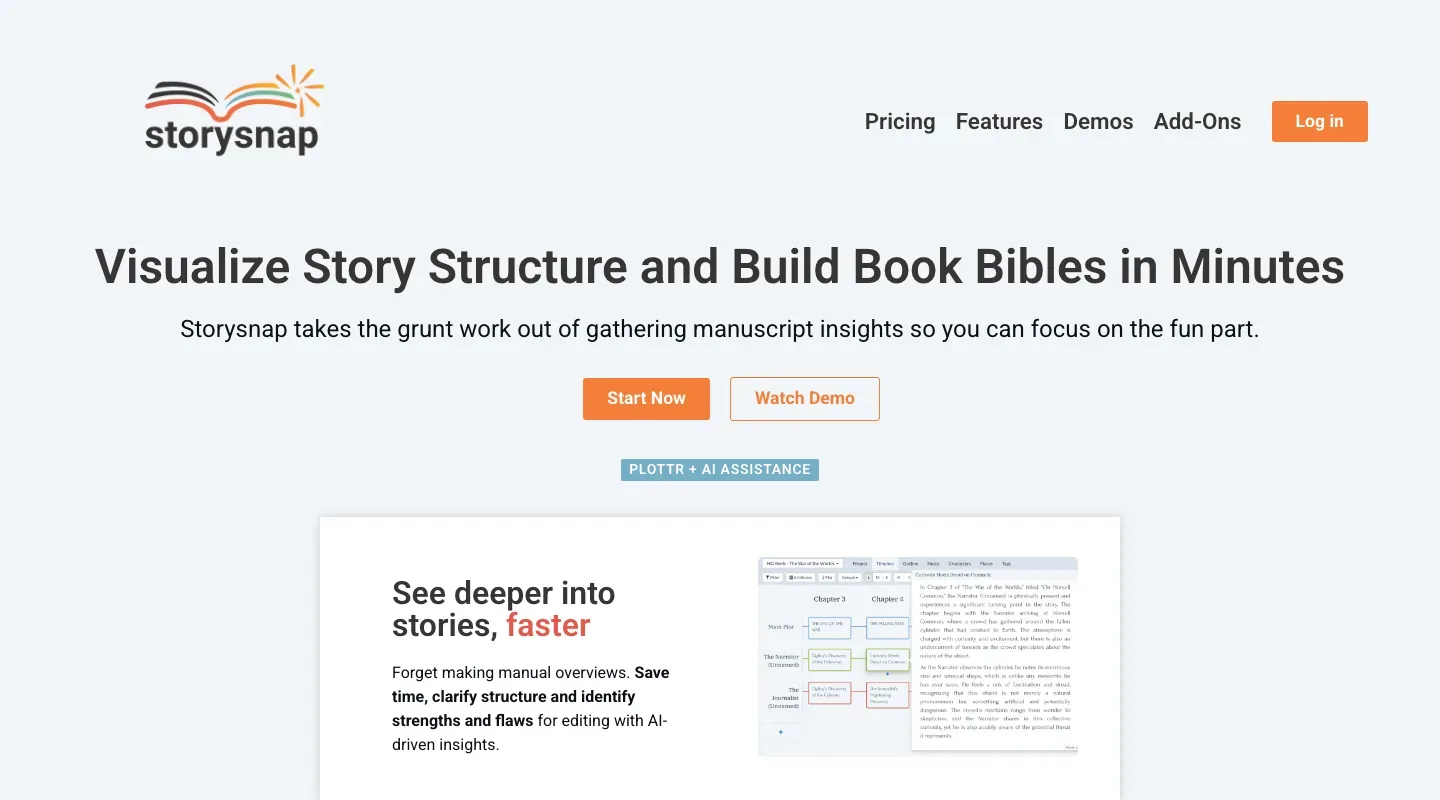
See the draft as a visual outline
Chapter summaries and separate plotlines for the main story and character arcs turn a long manuscript into a structural overview. The resulting Plottr project is editable, giving authors and editors a way to work with extracted story data after the analysis.
Gather the details into a book bible
Character entries collect appearance, backstory, and personality; place summaries include physical, emotional, and thematic detail. The service also organizes story-world information such as groups, cultures, magic systems, items, and technologies.
Revision flags, exports, and book materials
-
Add a targeted pass for revision
-
Optional add-ons flag possible inconsistencies, plot holes, and grammar issues chapter by chapter. Other add-ons track thematic links or place chapter dates, weather, and locations on additional timeline plotlines. Selected extras appear in the output's Notes tab.
-
Take the outline into Word or Plottr
-
The service accepts Word and PDF manuscripts and exports a Plottr project or Word document. Word output gives you an editable, printable outline or bible without requiring Plottr. The vendor recommends English text and numbered chapter headings for its strongest workflow.
-
Reuse the story breakdown for book materials
-
Marketing add-ons generate blurb ideas, an Amazon description, and book-club questions from the manuscript’s detailed breakdown. These generated drafts provide material to revise alongside the outline and book bible.
Feature details & official sources
Purpose and capability information checked 3 October 2026.
Platform and pricing reference: 24 October 2026.
Recorded requirements and limits
- Outputs can contain AI errors and receive automated rather than human quality checks.
- The vendor identifies English manuscripts using the Latin alphabet as its strongest workflow.
- Upload Word or PDF files; numbered chapter headings in a heading style are recommended.
- Storysnap is a separate service from Plottr. Opening its interactive Plottr output requires Plottr software; Word output is also available.
Information may be inaccurate. Confirm details on the official website. Report errors to [email protected].