

NovelAI
Continue fiction with branching history, reusable lore, and separate controls for broad story memory and immediate direction.
Sources checked 3 October 2026.

PlansFrom $10/mo Published monthly subscriptions
- One-time trial
- Free trial
- 50 text actions after registration; the allowance does not refresh.
- Tablet
- $10/month
- Scroll
- $15/month
- Opus
- $25/month
Tablet is $10/month, Scroll $15/month, and Opus $25/month.
The free text trial provides 50 actions once after registration; it does not refresh.
View current plans (opens in a new tab)AI & setupAI includedStart with a text trial
The 50 text actions are a one-time allowance; image generation has separate features and access.
Where it worksWebWeb
Story settings and model controls live in the browser-based editor.
Usage & termsContext and exportNot a typesetting service
The active story context is finite; advanced Lorebook and generation controls vary by model.
Story exports can retain lore and settings, but the documented formats are not print interiors or typeset EPUBs.
Branching history
Write forward and keep the earlier branches
Enter prose and use Send to generate the next passage. Retry requests a different continuation, while the editor's history retains a branching timeline of authored text and AI generations.
Undo, Redo, and the history view let the writer return to an earlier point and continue from there. Text-source colors distinguish the initial prompt, generated prose, direct writing, and edits.
Lorebook context
Bring the right lore into the current passage
Lorebook entries activate when their keys appear in recent context. An entry can be kept always on or disabled, giving character and world details a defined route into the model's input.
The Lore Generator can develop an entry from a name or description and incorporate selected story context. Advanced conditions and placement options differ between models, including GLM-4.6 and Xialong.
Memory and direction
Keep direction separate from the prose
Memory stores broad setting and story details; Author's Note adds more immediate direction. Model and preset controls provide another way to adjust generation. These aids operate within a finite context window.
Export, accessibility, and image generation
-
Export more than the visible text
-
Story and scenario files retain settings, Memory, Author's Note, and Lorebook entries. Story files also preserve retry history. Raw-text export and copying to the clipboard provide simpler routes to another editor.
-
Organize stories and listen to the words
-
Story shelves organize multiple projects. The documented interface includes text sizing, dyslexic fonts, colorblind themes, and text-to-speech for authored and generated passages.
-
Explore visual material alongside fiction
-
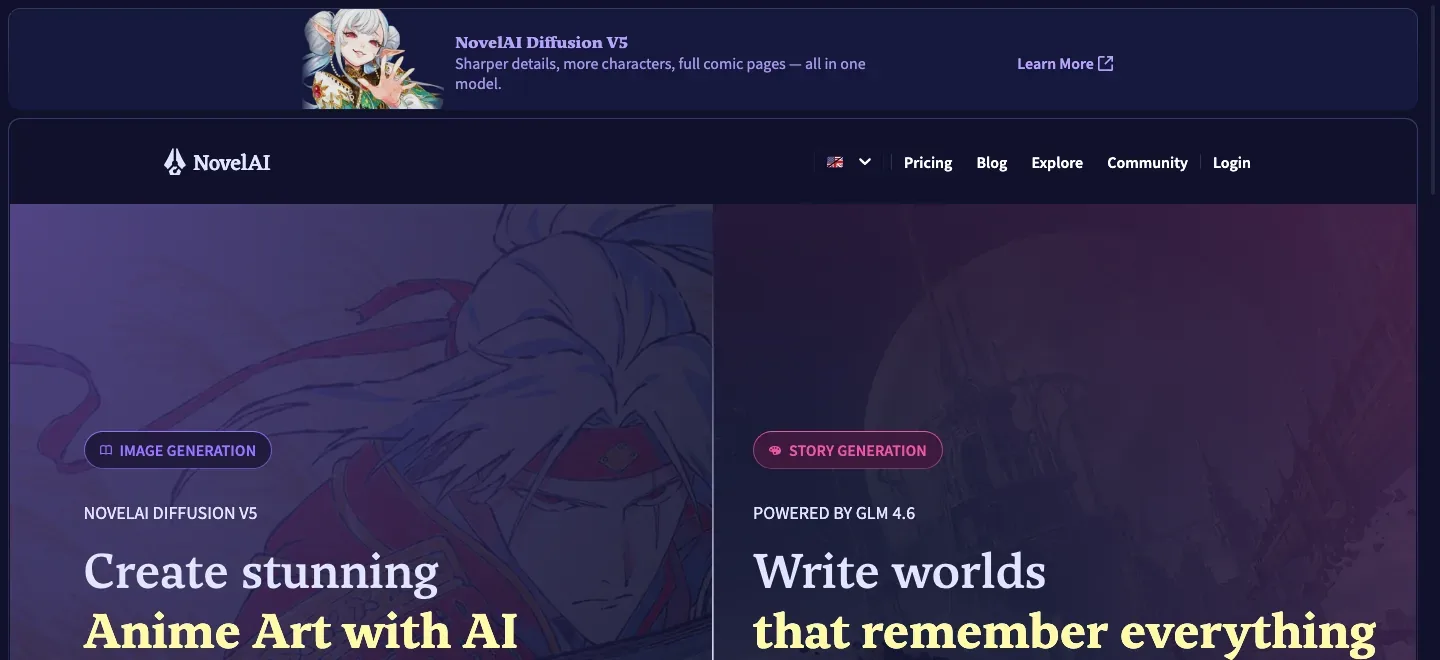
NovelAI also offers image generation, including anime-style character and scene imagery.
Feature details & official sources
Purpose and capability information checked 3 October 2026.
Platform and pricing reference: 24 October 2026.
Recorded requirements and limits
- The trial provides 50 text actions once after registration; it is not a recurring free allowance.
- Context is finite. Generation settings and Lorebook controls differ by model; GLM-4.6 and Xialong have different advanced controls from older models.
- Story exports can include lore and settings, but NovelAI's documented export is not a typeset EPUB or print-interior service.
- Current story and image product (opens in a new tab)
- Continuation and branching editor history (opens in a new tab)
- Model, preset, Memory, and Author's Note (opens in a new tab)
- Lorebook activation, generation, and model restrictions (opens in a new tab)
- Plans, trial, story export, and accessibility (opens in a new tab)
- Pricing and access checked 24 October 2026 (opens in a new tab)
Information may be inaccurate. Confirm details on the official website. Report errors to [email protected].